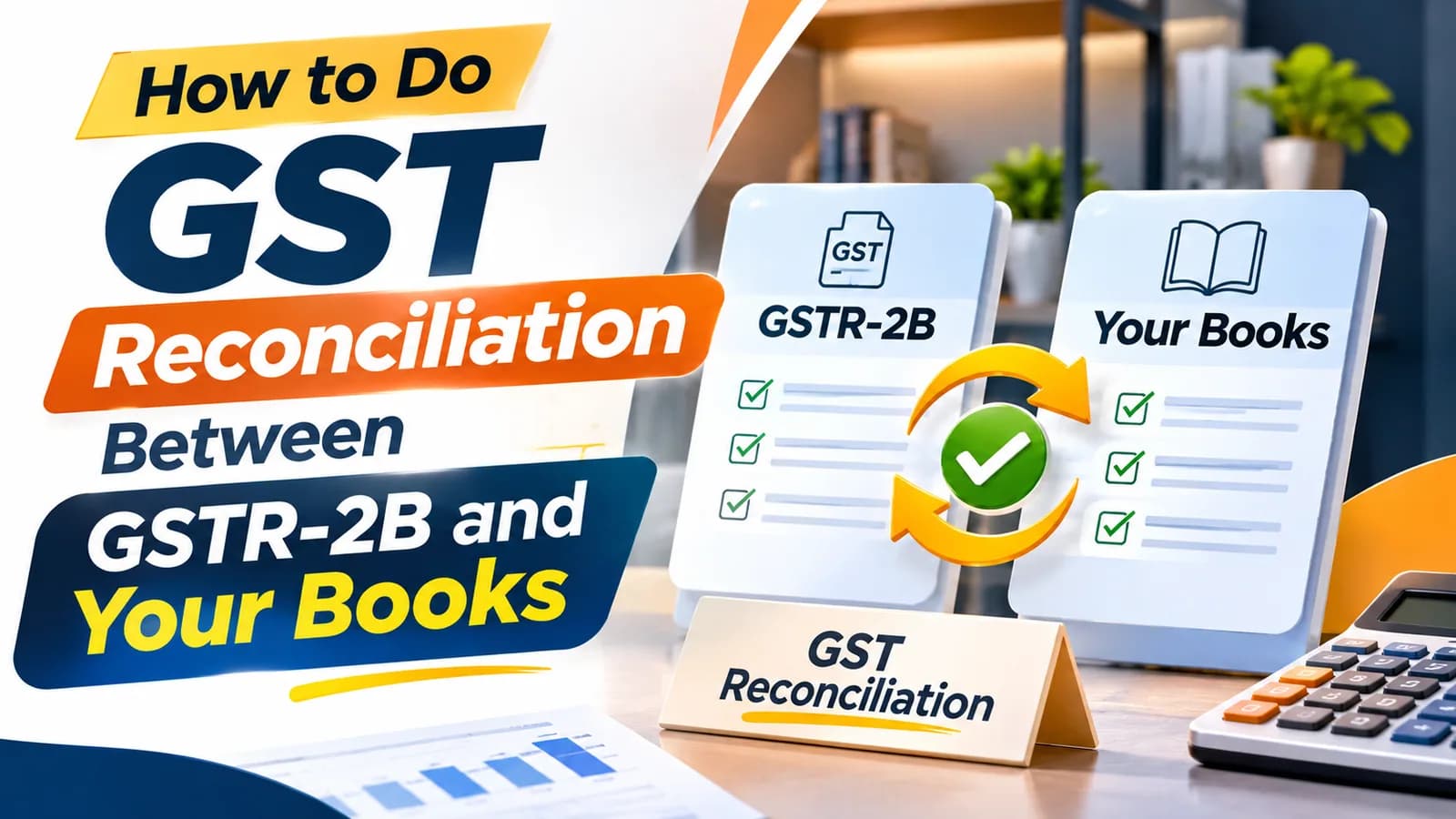
GST reconciliation means matching your books against what the GST portal holds before you file GSTR-3B each month. The match that decides your money is purchases: since 1 January 2022, input tax credit (ITC) is allowed only on invoices that appear in your GSTR-2B (Section 16(2)(aa), CGST Act). Sellers also match sales against GSTR-1 and marketplace TCS against their own sales.
It is urgent this month: ITC missed on FY 2025-26 purchases must be claimed by 30 November 2026, or by the annual return date if earlier (Section 16(4)). This guide gives the monthly method, a working format, six mismatch types and the places online sellers lose credit.
Rule | Current position |
|---|---|
ITC only on invoices in GSTR-2B | Section 16(2)(aa), CGST Act, in force from 1-1-2022 (Notification No. 39/2021-Central Tax, dated 21-12-2021); Rule 36(4) substituted by Notification No. 40/2021-Central Tax, dated 29-12-2021 |
GSTR-2B date | Draft generated on the 14th of the next month; recompute after any later IMS action, until GSTR-3B is filed |
Invoice Management System (IMS) | Accept, reject or keep pending; a record with no action is deemed accepted |
Missed ITC for FY 2025-26 | Claim by 30 November 2026, or the annual return date if earlier (Section 16(4)) |
ITC in GSTR-3B above GSTR-2B | System intimation in Form DRC-01C under Rule 88D (Notification No. 38/2023-Central Tax, dated 04-08-2023) |
What GST reconciliation covers for an online seller
GST reconciliation for an e-commerce seller is four separate matches, run in this order every month:
Match | Your side | Portal side | What a gap costs |
|---|---|---|---|
Purchase ITC | Purchase register | GSTR-2B | Excess credit, interest, a DRC-01C intimation |
Outward sales | Sales register and marketplace reports | GSTR-1 | Under-reported tax, a later notice |
Liability | GSTR-1 | GSTR-3B | A DRC-01B intimation and demand for the shortfall |
Marketplace TCS | Your platform-wise sales | TCS credit from the operator's GSTR-8 | Credit you never accept, or sales you under-reported |
This guide covers the first match in full, because it moves cash.
Why GSTR-2B, not your purchase register, sets the ITC limit
GSTR-2B is the statement of credit the portal lets you claim for a month, built from what suppliers report in GSTR-1, GSTR-1A or the Invoice Furnishing Facility, after your IMS actions. A perfect purchase register can still over-claim, because a late-filing supplier keeps the credit out of GSTR-2B.
Under IMS, live since October 2024, the draft GSTR-2B for a month generates on the 14th of the following month. According to the GSTN advisory on IMS, a record you keep pending stays out of that month's GSTR-2B, and a record you never touch counts as deemed accepted. Any action after the 14th requires you to recompute GSTR-2B before filing, or GSTR-3B fills from the stale version.
Treat the 14th as the start of reconciliation, not the end. Our note on the difference between GSTR-2A and GSTR-2B explains the two statements.
What to download before you start
Pull every file for the same GSTIN and return period; two registrations of one PAN are reconciled separately.
File | Where to get it | Columns you need |
|---|---|---|
GSTR-2B (Excel) | GST portal, Returns, GSTR-2B | Supplier GSTIN, invoice number, date, taxable value, IGST, CGST, SGST, ITC availability |
IMS records | GST portal, IMS dashboard | Action status for each record |
Purchase register | Tally, Zoho Books or your ERP | Supplier GSTIN, invoice number, date, taxable value, tax heads, voucher number |
Marketplace fee invoices | Seller panel, tax documents section | Invoice number, GSTIN billed, fee type, tax |
How to do GST reconciliation step by step
Start on the 14th, once the draft GSTR-2B is available, and finish before you file GSTR-3B:
Export the purchase register and GSTR-2B for the month into one workbook.
Clean both sides: trim spaces, convert invoice numbers to text, and remove prefixes such as "INV/" that one side uses and the other does not.
Build a match key in both sheets: supplier GSTIN + cleaned invoice number.
Look up each register key in GSTR-2B, then each GSTR-2B key in the register.
For matched keys, compare taxable value and each tax head; flag any difference above ₹10.
Classify every unmatched or differing line into one of the six mismatch types below.
Take IMS action on the GSTR-2B side: reject invoices that are not yours, keep pending the ones you cannot yet verify.
Recompute GSTR-2B if you acted after the 14th, then claim ITC in GSTR-3B only up to the matched, eligible amount.
Carry every open line into next month's file with its original period, so the Section 16(4) clock stays visible.
An illustrative month makes the output concrete. Books show ITC of ₹1,84,300 and GSTR-2B shows ₹1,71,950. The ₹12,350 gap breaks down into ₹9,400 from two suppliers who filed late and ₹2,950 of fee invoices billed to the seller's other GSTIN. GSTR-2B also carries ₹1,300 of blocked credit on staff meals, so the seller claims ₹1,70,650 and chases the ₹12,350.
When you file, the claimed figure goes into Table 4 of GSTR-3B; our guide on filing GSTR-3B covers the return itself.
The GST reconciliation format that makes the match work
A format is useful only if someone else can audit it next year. These columns work in Excel or Google Sheets:
Column | Purpose |
|---|---|
Match key | GSTIN + cleaned invoice number, the lookup field |
Period in books / period in GSTR-2B | Shows timing differences at a glance |
Taxable value: books / GSTR-2B | The value comparison |
IGST, CGST, SGST: books / GSTR-2B | Tax-head differences, which matter for inter-State errors |
Difference | GSTR-2B minus books |
Mismatch type | One of the six categories below |
IMS action | Accepted, rejected, pending or none |
ITC claimed in GSTR-3B and month | Proves you never claimed the same invoice twice |
Follow-up owner and date | Who is chasing the supplier, and since when |
The last two columns are the ones most sheets lack, and they are the ones an officer asks about when a DRC-01C reply is due.
Six mismatch types and the fix for each
Every unmatched line fits one of six types, and each type has one correct action:
Mismatch type | Usual cause | What to do |
|---|---|---|
In books, missing from GSTR-2B | Supplier has not filed GSTR-1 or IFF, or filed late | Do not claim yet. Ask the supplier to report it; claim in the month it appears, within the Section 16(4) limit |
In GSTR-2B, missing from books | Invoice not received or not booked, or not your purchase | Verify with the supplier. Book it if genuine; reject it in IMS if not |
Value or tax differs | Supplier typing error, or an unreported credit note | Claim the amount both documents support. Ask the supplier to amend through GSTR-1A or the next GSTR-1 |
Billed to your other GSTIN | Wrong registration selected by the supplier | The credit stays with that GSTIN. Ask for a corrected invoice to the right registration |
Different period | Supplier reported a March invoice in April | A timing difference. Carry it forward and claim when it appears |
Shown in GSTR-2B but ineligible | Blocked credit under Section 17(5), such as food and beverages | Do not claim, even though the portal shows it |
If ITC in GSTR-3B exceeds GSTR-2B beyond the portal threshold, Rule 88D triggers a DRC-01C intimation asking you to pay the excess with interest or explain it. The 50th GST Council meeting minutes recorded that trigger as a difference above both 20% and ₹25 lakh. If one arrives, get help with replying to GST notices before its deadline.
Where e-commerce sellers lose ITC
An online seller's purchase register is dominated by marketplaces, ad platforms, logistics aggregators and payment gateways. Their invoices are large, monthly and easy to miss, because nobody "buys" anything.
At Complylocal, the largest single gap we find in a new seller's ITC is marketplace fee invoices billed to the wrong GSTIN. A seller registered in two States maps both warehouses to one registration in the seller panel, and the credit lands in the State with too little output tax to absorb it. Credit cannot be moved between registrations of the same PAN in the normal course, so the fix has to happen in the seller panel before the next billing cycle.
Two smaller leaks recur: logistics and gateway charges netted from settlements with no invoice ever booked, and ad invoices booked without their tax.
Matching marketplace TCS against your own sales
Each marketplace collects 0.5% TCS on your net taxable sales and reports it, supplier by supplier, in its monthly GSTR-8. The amount reaches you as "TDS and TCS credit received" on the GST portal, where you accept it before it moves to your electronic cash ledger.
That TCS is a free audit of your outward reporting. Divide it by 0.5% and compare the result with the platform's sales in your GSTR-1; a gap is cheaper to fix this month than in a notice. Our guide to the e-commerce operator under GST covers the operator's filing.
Excel or GST reconciliation software
Excel is enough up to roughly 300 purchase invoices a month, provided the match key and the open-items column are maintained. Beyond that, or with three or more GSTINs, GST reconciliation software that pulls GSTR-2B directly saves the export-and-clean step and keeps an audit trail of IMS actions.
Software matches records; it does not decide eligibility or chase suppliers, so a person should review every unmatched line before filing. The same discipline applies to settlements, covered in our guide on payment reconciliation.
If you want this run every month alongside your returns, talk to Ashish's team about GST return filing for e-commerce sellers.