
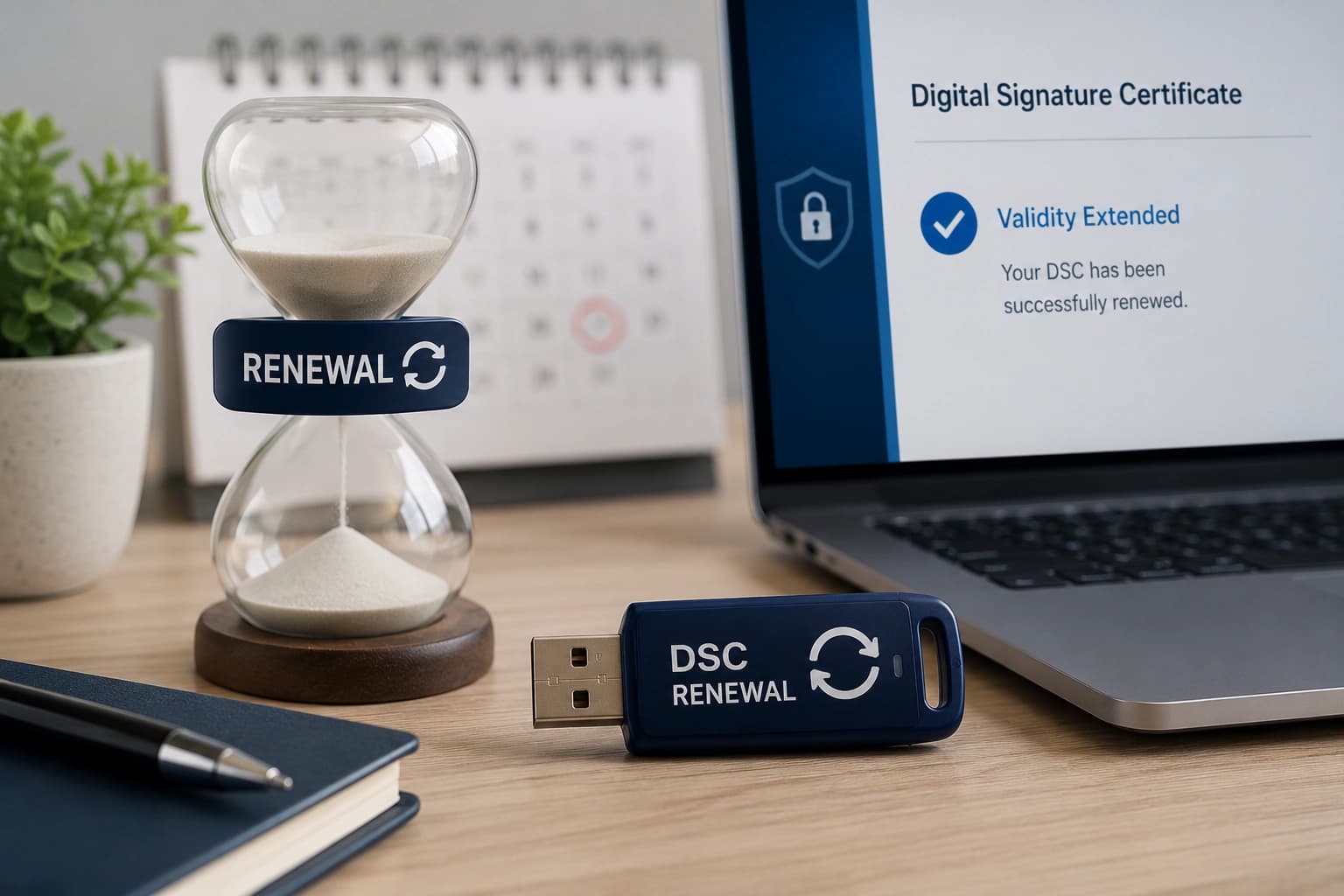
When
Your DSC expires in 30 days
The issue
Upcoming filings may fail after expiry
We do
We renew or re-issue before the deadline
Renew or re-issue your Class 3 DSC before MCA, GST, ITR or tender workflows are interrupted.
TRUSTED COMPLIANCE SUPPORT












DSC workflows supported
All types
Across registration, tax, tender and employer compliance use cases.
Typical issuance
0
Working day for most completed applications after verification.
Compliance experience
0+
Years supporting business filings and advisory since 2013.
DSC renewal is the process of re-issuing a Digital Signature Certificate when its validity period (typically 1, 2, or 3 years) is about to expire, ensuring uninterrupted access to government and corporate portals.
Renewal should be started before expiry so signing on MCA, GST, Income Tax and e-Tendering portals does not fail near a filing deadline.
If the token is lost, the holder's name has changed or the old certificate has already expired, a fresh issuance workflow may be more suitable than renewal.
The right renewal route depends on expiry status, token condition and identity details.
When
Your DSC expires in 30 days
The issue
Upcoming filings may fail after expiry
We do
We renew or re-issue before the deadline
When
Your DSC already expired
The issue
The portal refuses signing attempts
We do
We check whether renewal or fresh issuance is faster
When
Your USB token is lost
The issue
The certificate cannot be accessed
We do
We arrange fresh issuance with a new token
When
Your PAN name changed
The issue
Portal identity may mismatch the DSC
We do
We update the application route before submission
Not every expired certificate is a simple renewal. These signals help choose the right route.
| Factor | RecommendedRenewal | Fresh DSC | Support Needed |
|---|---|---|---|
| Best when | Certificate is near expiry | Token lost or details changed | Portal signing already failing |
| Token | May reuse where supported | New token issued | Driver and access checked |
| Identity details | Same holder details | Corrected holder details | PAN/Aadhaar cross-check |
| Timeline | Same day after verification | Same day to 1 working day | Depends on issue diagnosis |
← Scroll →
Not sure which structure fits your business? Our experts can recommend the right entity based on your goals, funding plans, and compliance preferences.
Talk to an expertKeep your old token and expiry details ready. Reuse depends on token condition and issuance rules.
A guided online process from use-case confirmation to token setup.
We identify the portal, signing need, validity and whether encryption is required.
Your identity, address and organisation documents are checked before submission.
The application is submitted through the correct issuance workflow.
Aadhaar OTP or PAN eKYC and video confirmation are completed online.
The DSC is issued and downloaded to the FIPS-certified USB token.
We help install drivers and test the DSC on the target portal where possible.
DSC renewal is less about a new certificate and more about keeping compliance work moving.
We help renew before MCA, GST, ITR or tender deadlines become urgent.
We choose the route that works for the token and identity details.
Drivers and browser settings are checked after renewal.
Transparent renewal pricing with token reuse checked where supported.
For routine filing, signing and portal authentication.
₹899 / all-inclusive
For tendering, encrypted submissions and advanced portal use.
₹1,399 / all-inclusive
Most DSC friction appears at the portal. We support the certificate and the workflow around it.
Portal access can stop immediately after expiry.
We evaluate fresh issuance and move through verification quickly.
Drivers or token hardware may fail during signing.
We check token condition and arrange replacement where needed.
PAN, Aadhaar and portal names may not align.
We verify details before application submission.
Self-contained answers about DSC renewal, documents, pricing, validity and portal use.
Share expiry details and we will guide renewal or fresh issuance.
Best started 30 days before expiry