
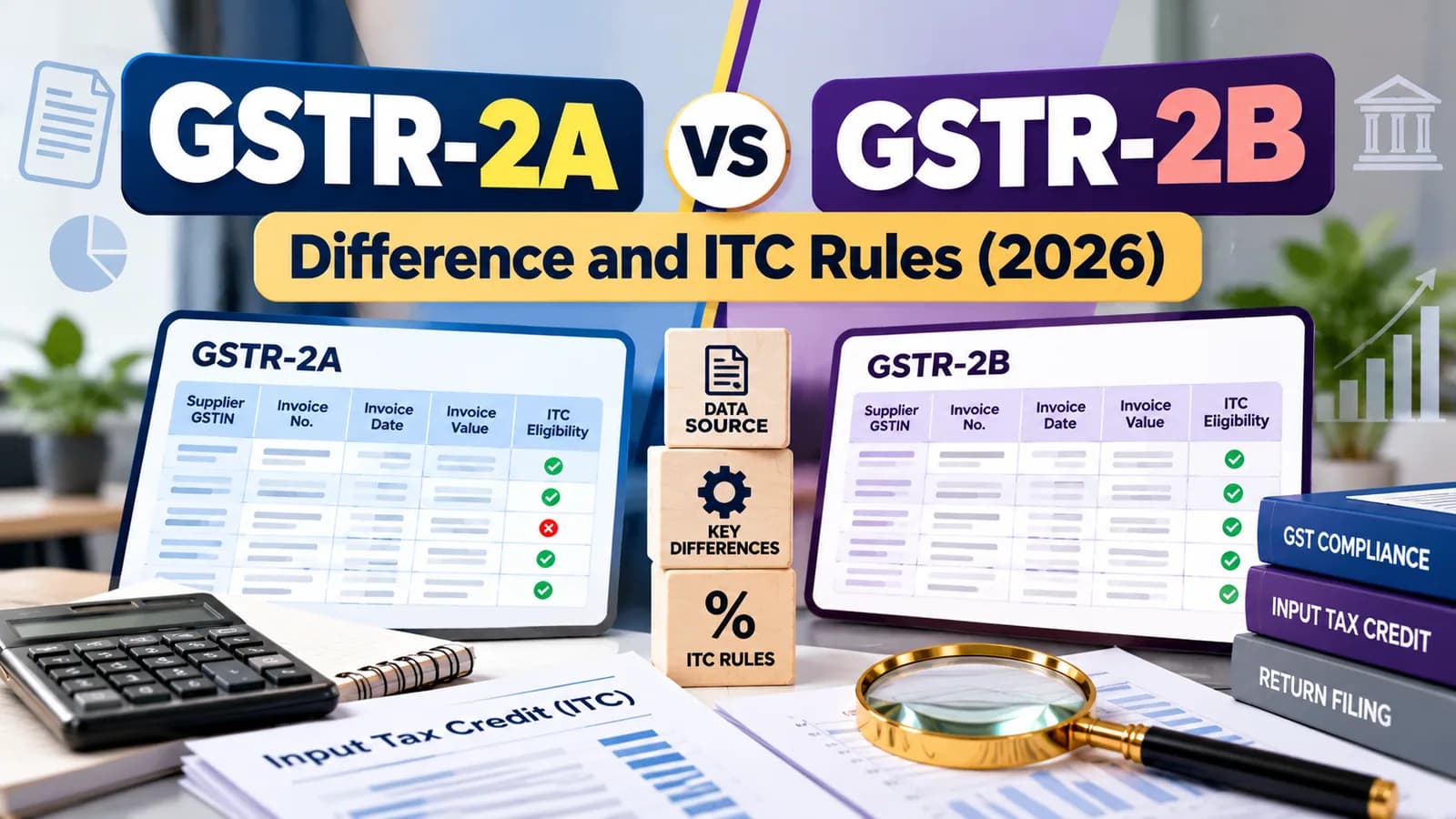
GSTR-2A is a live statement of your purchases that changes whenever a supplier files or amends a return. GSTR-2B is a period-wise statement of input tax credit (ITC), drafted on the 14th of each month from supplier filings and your actions in the Invoice Management System (IMS). Since 1 January 2022, the ITC you claim in GSTR-3B must be supported by GSTR-2B, not GSTR-2A.
Both are auto-generated, read-only statements; you never file either of them. The practical question is which one to reconcile against before GSTR-3B, and what to do with the invoices that appear in one but not the other.
GSTR-2A vs GSTR-2B at a glance
Point | GSTR-2A | GSTR-2B |
|---|---|---|
Nature | Dynamic; updates continuously | Static for the period once GSTR-3B is filed |
Generated | Real time, as suppliers file | Draft on the 14th of the next month; recomputed after later IMS actions |
Based on | Suppliers' filing date | Supplier's GSTR-1/IFF/1A cut-off for the period |
Your IMS actions | Not reflected | Accepted and deemed-accepted records only |
ITC advice | None | Shows ITC available, not available and rejected |
Legal role | Reference and tracking | Basis for ITC under Section 16(2)(aa) and Rule 36(4) |
Feeds GSTR-3B | No | Yes, auto-fills Table 4 |
Why GSTR-2B decides your ITC
Section 16(2)(aa) of the CGST Act, in force from 1 January 2022, allows ITC only where the supplier has reported the invoice and it has been communicated to you. Rule 36(4) was amended from the same date to limit credit to invoices reflected in GSTR-2B, ending the old provisional-credit margin.
GSTR-2A still matters for tracking: it shows invoices a supplier filed late, after your GSTR-2B for that month was generated. Those invoices appear in the GSTR-2B of the month in which the supplier filed, and you claim the credit then.
How IMS changed GSTR-2B
Since October 2024, every supplier invoice passes through IMS, where you accept it, reject it or keep it pending. According to the GSTN's IMS advisory, records you leave untouched are deemed accepted when GSTR-2B is generated.
IMS action | Effect on GSTR-2B | Effect on GSTR-3B |
|---|---|---|
Accept | In the ITC available section | Credit auto-fills in Table 4 |
Reject | In the ITC rejected section | No credit; the supplier is expected to correct |
Pending | Left out of this period | No credit until you act in a later period |
No action | Deemed accepted | Credit auto-fills in Table 4 |
From the October 2025 tax period, a credit note can be kept pending for one tax period (one quarter for quarterly filers), and when you accept a credit note you declare how much ITC you actually need to reverse. If you act in IMS after the 14th, recompute GSTR-2B from the IMS dashboard before filing GSTR-3B; the draft does not update on its own.
Our view: "no action" is the most expensive IMS choice. A wrong invoice left untouched becomes deemed accepted, its credit flows into your GSTR-3B, and the error surfaces months later as a notice. Review every record before the 14th, even if most will be accepted.
Common mismatches and what they mean
What you see | What to do |
|---|---|
Invoice in your books, not in GSTR-2B | Supplier has not filed or filed late; hold the credit and follow up, or claim it in the month it appears |
Invoice in GSTR-2B, not in your books | Possible misuse of your GSTIN or a missing entry; reject in IMS if you did not buy |
Amount differs | Check for typing errors or partial credit notes; accept only the correct amount after the supplier amends |
Invoice in GSTR-2A, missing from GSTR-2B | Filed after the 2B cut-off; it will appear in next month's GSTR-2B |
Credit shown as not available | Time-barred under Section 16(4) or place-of-supply mismatch; the credit cannot be claimed |
When the supplier never pays the tax
Rule 37A requires you to reverse credit if the supplier has not filed GSTR-3B for the period by 30 September of the following year. The credit can be reclaimed once the supplier files. Checking suppliers' filing records, as described in GST number verification, catches this risk early.
When GSTR-3B claims more than GSTR-2B
If the ITC you claim in GSTR-3B exceeds what GSTR-2B supports beyond the notified limit, the portal issues DRC-01C asking you to pay the excess or explain it. Until you respond, the portal can block your next GSTR-1.
A monthly reconciliation routine
Export your purchase register for the month, with supplier GSTIN, invoice number, date and tax.
Download the IMS records and act on each before the 14th: accept, reject or keep pending.
Download GSTR-2B once drafted and match it invoice by invoice with the register.
List mismatches by supplier and send follow-ups the same week.
Recompute GSTR-2B if you changed any IMS action after the 14th.
File GSTR-3B with Table 4 matching your reconciled figure.
Keep a monthly note of credits carried forward for suppliers who filed late.
The GSTN's GSTR-2B FAQ explains each section of the statement. For the GSTR-3B side, see how to file GSTR-3B.
Want the monthly IMS review and GSTR-2B reconciliation handled before every filing? Talk to Ankush's team about GST return filing at ComplyLocal →