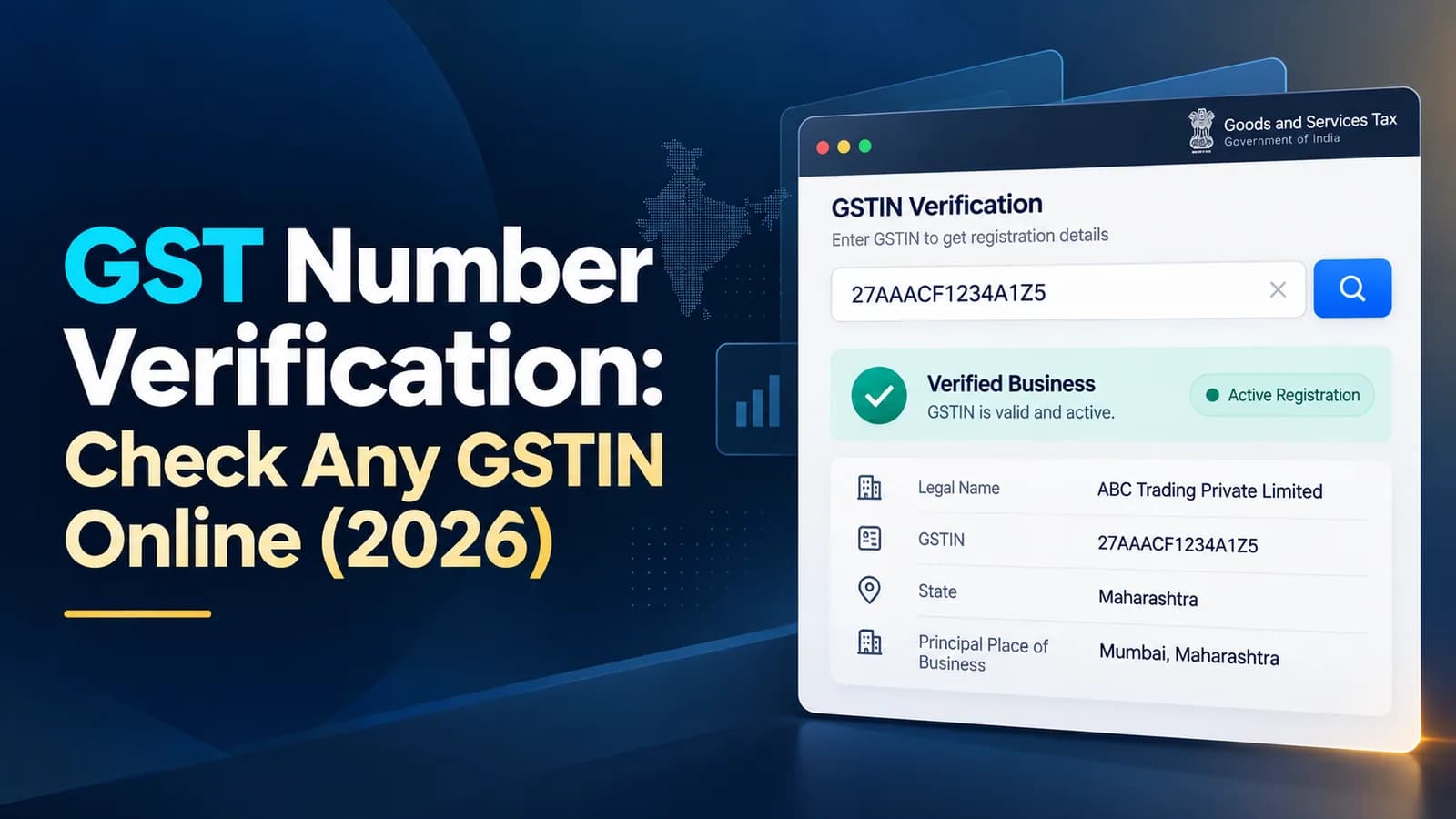
To verify a GST number, open the GST portal, choose Search Taxpayer, then Search by GSTIN/UIN, enter the 15-character GSTIN and the captcha. No login is needed. The result shows the legal name, trade name, registration date, status, constitution and taxpayer type, which you compare with the invoice or the supplier's details.
Verification matters because your input tax credit (ITC) depends on the supplier's registration and filings. This guide covers the portal search, what each result field tells you, how a GSTIN is built, and the red flags that should stop a payment.
How to check a GST number on the GST portal
Go to the GST portal home page and open Search Taxpayer.
Choose Search by GSTIN/UIN to check one number, or Search by PAN to list every GSTIN on a PAN.
Enter the 15-character GSTIN or 10-character PAN and the captcha.
Read the details shown, and open the return filing table to see recent GSTR-1 and GSTR-3B filings.
Compare the legal name, address and state with the invoice or purchase order.
Search by PAN is useful when a supplier operates in several states: it shows each state registration on that PAN and its status, so you can pick the GSTIN for the state the goods are shipped from.
What the search result tells you
Field | What to check |
|---|---|
Legal name | Must match the name on the invoice; it is the name as per PAN |
Trade name | The brand or shop name; may differ from the legal name |
Status | Should be Active; Cancelled or Suspended means stop and ask questions |
Effective date of registration | Must be on or before the invoice date |
Taxpayer type | Regular, Composition, SEZ unit, casual and so on |
Constitution of business | Proprietorship, partnership, company, LLP; should match what the supplier told you |
Principal place of business | Should match the state and city on the invoice |
Return filing record | Shows whether recent GSTR-1 and GSTR-3B returns were filed |
Why the taxpayer type matters
A composition taxpayer cannot charge GST on its sales and issues a bill of supply, not a tax invoice. If a composition dealer sends you an invoice with GST on it, you cannot claim that GST as credit, so query it before paying.
GSTIN format: the 15 characters explained
Every GSTIN is built from the holder's state and PAN, which is why a format check catches many fake numbers before you even search.
Position | Meaning | Example: 06ABCDE1234F1Z5 |
|---|---|---|
1–2 | State code | 06 = Haryana |
3–12 | PAN of the business | ABCDE1234F |
13 | Entity number for that PAN in the state | 1 = first registration in Haryana |
14 | Default character | Z |
15 | Check character, calculated from the others | 5 |
Common state codes: 03 Punjab, 04 Chandigarh, 06 Haryana, 07 Delhi, 08 Rajasthan, 09 Uttar Pradesh, 19 West Bengal, 24 Gujarat, 27 Maharashtra, 29 Karnataka, 33 Tamil Nadu and 36 Telangana. An invoice from a Delhi address with a GSTIN starting 06 is an immediate question to ask.
Registrations for tax deductors, e-commerce operators and UIN holders follow different patterns, so a GSTIN that does not fit the format above is not automatically fake; check it on the portal.
Red flags that should stop a payment
What you see | Why it matters |
|---|---|
Status Cancelled or Suspended | Credit on invoices from an inactive registration is at risk |
Registration date after the invoice date | The supplier was not registered when it charged you GST |
Legal name differs from the invoice name | The GSTIN may belong to another business |
No GSTR-1 or GSTR-3B filed for several months | Your invoices may not reach your GSTR-2B, so the credit fails |
State code does not match the supply address | Wrong GSTIN, or a supply from a different registration |
Composition taxpayer charging GST | The GST charged is not claimable as credit |
Our view: verify every new supplier's GSTIN before the first purchase order, and re-check large suppliers each quarter. A supplier that stops filing does not stop invoicing, and credit you took on its invoices can be reversed with interest when the mismatch surfaces.
Verifying your own GSTIN and application
If you want to track your own pending application rather than check someone else's number, use the ARN-based status search in our guide to GST registration status check. Once approved, your certificate can be downloaded as explained in GST registration certificate download.
Supplier checks are one part of claiming credit correctly; which returns carry that credit is covered in types of GST returns. Want your suppliers' GSTINs and filing records checked against your purchase register every month? Talk to Keshav's team about GST return filing at ComplyLocal →