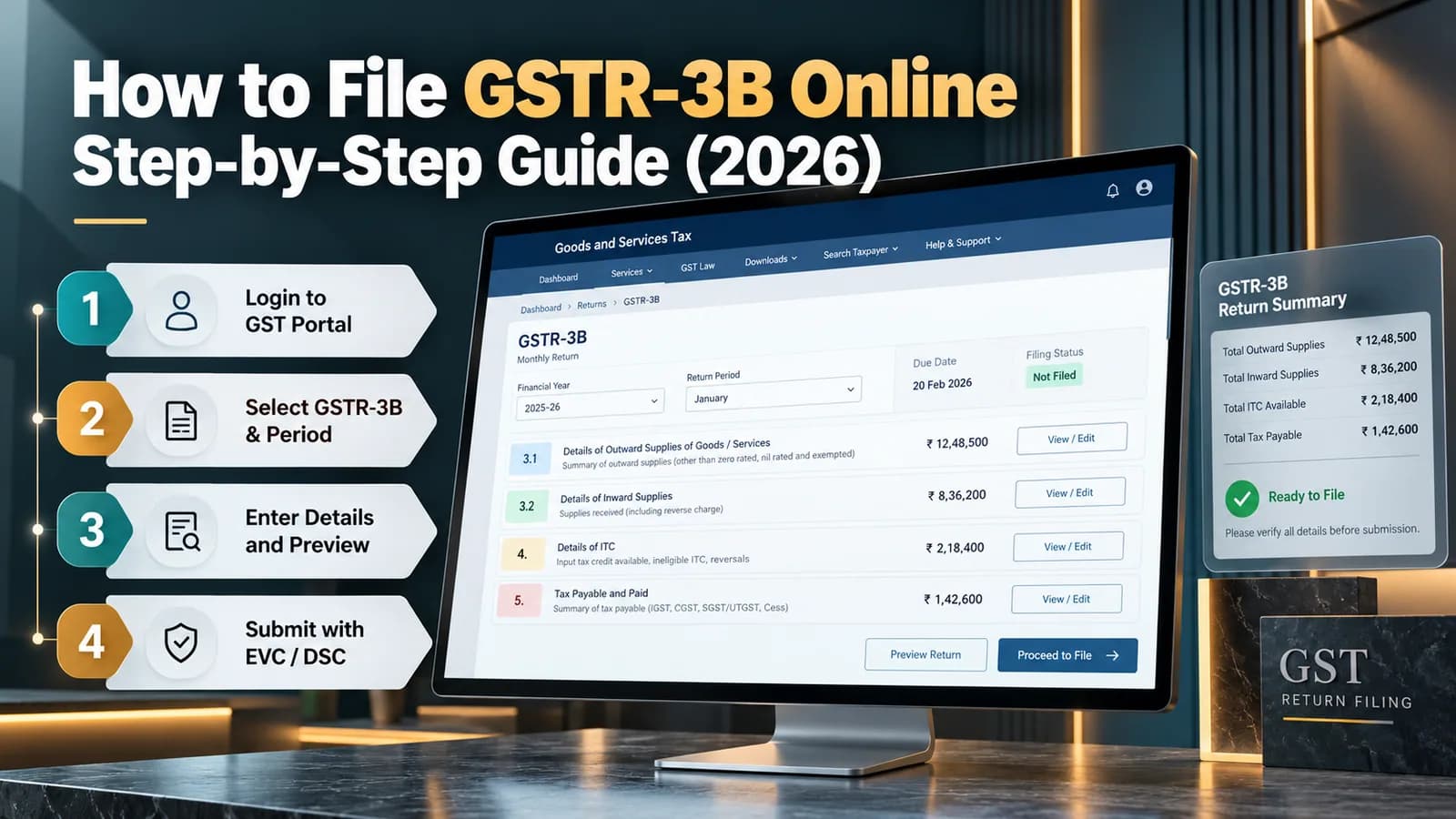
To file GSTR-3B, log in to the GST portal, open the return for the period, check the tax liability auto-filled from your GSTR-1 and the input tax credit (ITC) auto-filled from GSTR-2B, pay any balance in cash, and submit with DSC or EVC. Monthly filers file by the 20th of the next month; quarterly filers by the 22nd or 24th, depending on the state.
Since the July 2025 tax period, the tax liability auto-filled from GSTR-1 cannot be edited in GSTR-3B. Corrections now go through GSTR-1A before GSTR-3B is filed, which changes the order in which a careful filer works.
GSTR-3B at a glance
Point | Position |
|---|---|
What it is | Summary return declaring outward tax, ITC and payment for the period (Section 39) |
Who files | Every regular taxpayer, including those with no sales in the period |
Monthly due date | 20th of the following month |
Quarterly due date (QRMP) | 22nd or 24th of the month after the quarter, by state |
Liability source | GSTR-1, IFF or GSTR-1A; non-editable in GSTR-3B from July 2025 |
ITC source | GSTR-2B, drafted on the 14th and recomputed after later IMS actions |
Revision | Not possible once filed; errors are corrected in a later return |
Quarterly filers in states such as Haryana, Punjab, Delhi and Uttar Pradesh file by the 24th; those in states such as Maharashtra, Gujarat, Karnataka and Tamil Nadu file by the 22nd. They pay tax for the first two months of the quarter through PMT-06 by the 25th.
Before you open GSTR-3B: three checks
File GSTR-1 or IFF for the period; GSTR-3B cannot be filed until it is.
Correct any outward-supply error through GSTR-1A, since GSTR-3B will not let you edit it.
Complete IMS actions on supplier invoices and recompute GSTR-2B if you acted after the 14th.
The portal also requires the previous period's GSTR-3B to be filed first. If you are behind, clear the oldest period before the latest.
What each GSTR-3B table contains
Table | Contents | Source |
|---|---|---|
3.1(a) | Outward taxable supplies | Auto-filled from GSTR-1/IFF/1A; locked |
3.1(b) | Zero-rated supplies: exports and SEZ | Auto-filled; locked |
3.1(c) | Nil-rated and exempt supplies | Auto-filled; locked |
3.1(d) | Inward supplies liable to reverse charge | Auto-filled from GSTR-2B; verify |
3.1(e) | Non-GST outward supplies | Auto-filled; locked |
3.1.1 | Supplies through e-commerce operators under Section 9(5) | Auto-filled |
3.2 | Inter-state supplies to unregistered persons, composition dealers and UIN holders | Auto-filled; locked |
4 | ITC available, reversed and ineligible | Auto-filled from GSTR-2B; editable with care |
5 | Exempt, nil-rated and non-GST inward supplies | Manual |
5.1 | Interest and late fee | System-computed for late filing |
6 | Payment of tax | From your ledgers |
Which supplies go into 3.1(b), (c) and (e) depends on how each is classified; see types of supply under GST.
How to file GSTR-3B on the GST portal
Log in and go to Services > Returns > Returns Dashboard; select the financial year and period.
Open GSTR-3B and choose Prepare Online.
Review Table 3.1 and 3.2 against your sales register; if anything is wrong, stop and file GSTR-1A.
Check Table 3.1(d) for reverse-charge purchases, including rent from unregistered landlords.
Review Table 4 against your purchase register and GSTR-2B; reverse ineligible or blocked credit in 4(B).
Enter exempt and non-GST purchases in Table 5.
Save, then click Proceed to Payment to see the liability and ledger balances.
Offset liability using ITC first, then cash; create a challan if the cash ledger is short.
Tick the declaration, select the authorised signatory and file with DSC or EVC.
Download the filed return and keep it with your working papers.
A nil GSTR-3B, for a period with no sales, no purchases and no liability, can also be filed by SMS from the registered mobile number.
Table 4: the part that deserves most care
Table 4 auto-fills from GSTR-2B, but the portal does not know which credits are blocked for your business. Credit on food and beverages, personal-use items or motor vehicles, which Section 17(5) blocks, still appears in GSTR-2B if the supplier reported it. You remove it in Table 4(B).
Row | Use it for |
|---|---|
4(A)(5) All other ITC | Domestic purchase credit shown in GSTR-2B |
4(B)(1) | Permanent reversals: Rules 38, 42, 43 and Section 17(5) |
4(B)(2) | Temporary reversals you expect to reclaim, such as unpaid invoices after 180 days |
4(D)(1) | Credit reclaimed this period that was reversed earlier in 4(B)(2) |
4(D)(2) | Ineligible credit due to time limit or place-of-supply rules |
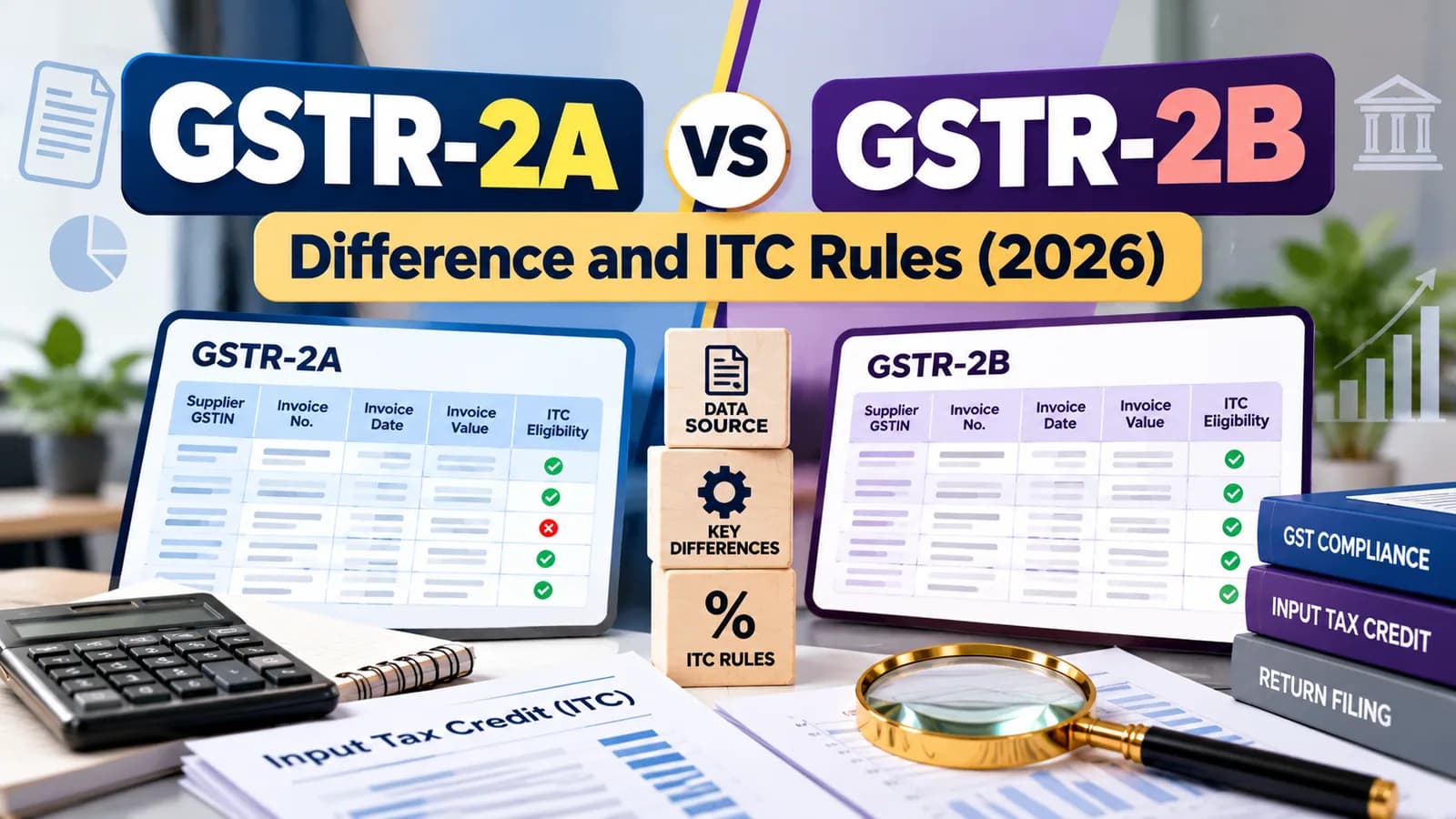
If the ITC you claim in Table 4 is higher than GSTR-2B supports beyond the notified limit, the portal issues an intimation in DRC-01C asking you to pay the difference or explain it. The comparison between the two statements is explained in GSTR-2A vs GSTR-2B.
Our view: finish Table 4 from your purchase register, not from GSTR-2B alone. GSTR-2B tells you what suppliers reported; only your books tell you what was received, used for business and paid for.
Mistakes and how to correct them
GSTR-3B cannot be revised. Under Section 39(9), an omission or error is corrected in the return for a later period, no later than 30 November after the end of the financial year or the date you file the annual return, whichever is earlier.
Mistake | Correction |
|---|---|
Sales under-reported | Report in the next GSTR-1 or GSTR-1A; the tax flows to the next GSTR-3B with interest |
ITC under-claimed | Claim in a later GSTR-3B within the Section 16(4) time limit |
ITC over-claimed | Reverse in a later GSTR-3B; interest applies if the credit was used |
Wrong tax head, such as IGST instead of CGST and SGST | Pay the correct head and claim a refund of the wrong one |
Filing late adds a daily fee and interest; see GST late fee and interest for the caps and a worked example.
Marketplace sellers face extra reconciliation before GSTR-3B; that workflow is covered in GST return filing for e-commerce sellers. Want monthly GSTR-1, IMS and GSTR-3B handled with a reconciliation before every filing? Talk to Ankush's team about GST return filing at ComplyLocal →