Written by Keshav Sehgal, E-commerce Filing Expert · Reviewed by Ankush Goyal, GST Services Expert · Last updated: 27 August 2026
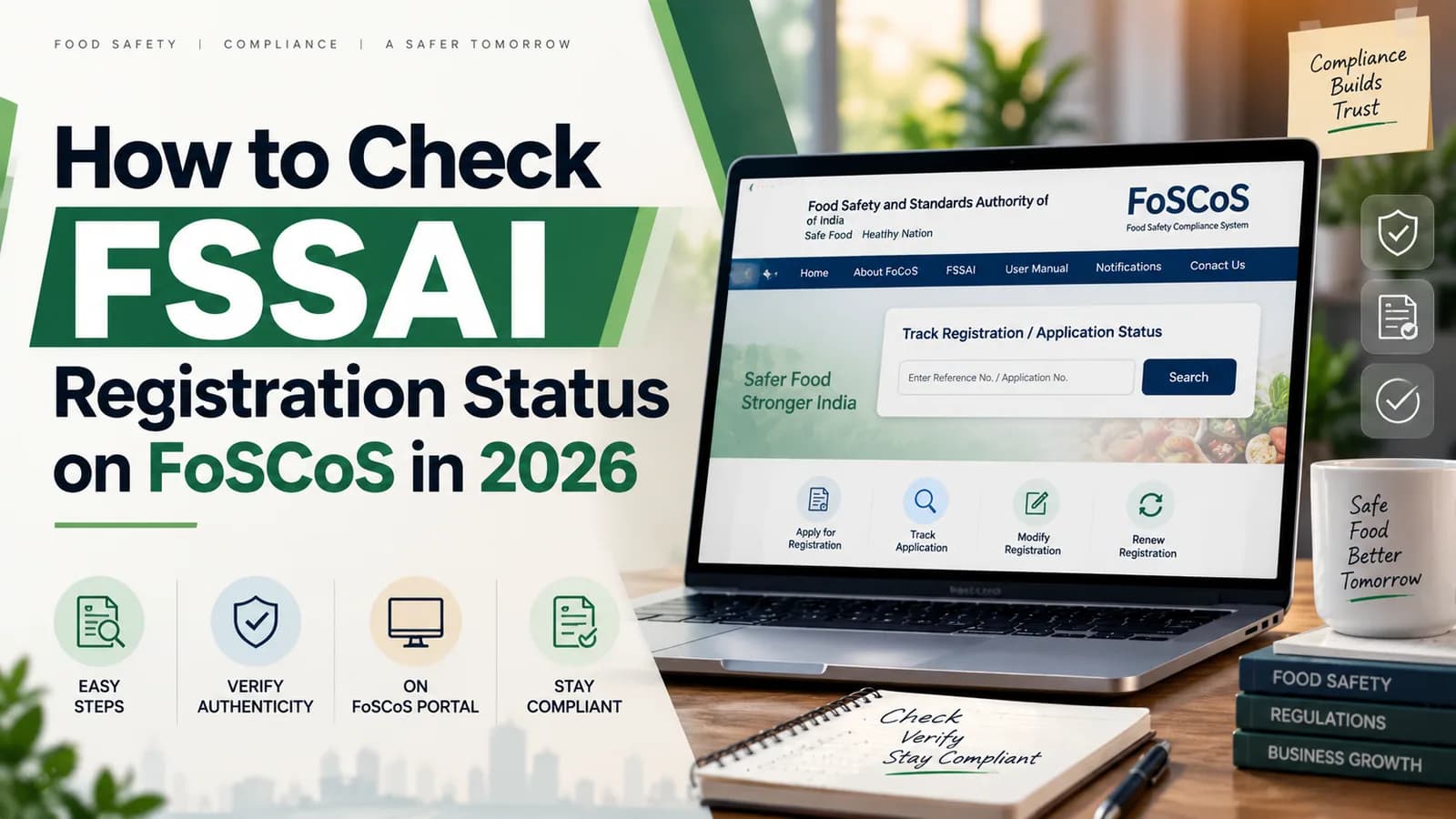
Check your FSSAI registration status on the FoSCoS portal at foscos.fssai.gov.in using the Track Application Status option and your 17-digit application reference number. The portal returns the current stage of your Form A application, and the certificate becomes downloadable from your login once it is issued.
Checking is the easy part. The status that decides your registration is Application Reverted, and it carries a 30-day clock that runs whether or not you are watching. Miss it and the application is rejected automatically, taking your ₹100 fee with it.
FSSAI status check at a glance
Item | Position as on 27 August 2026 |
|---|---|
Where to check | FoSCoS, foscos.fssai.gov.in, Track Application Status |
What you need | 17-digit application reference number, or your FoSCoS login |
Response window on a revert | 30 days from the reverted date, after which the system can reject |
On rejection | Fee is not carried over; a fresh application is required |
Certificate | Downloadable from the FoSCoS login once the status reads issued |
Also sent by | Email to the address entered in Form A, with a QR code on the certificate |
How to check your FSSAI registration status on FoSCoS
Six steps take you from the FoSCoS home page to your current application stage. You do not need a login for the tracking screen, only the reference number.
Open foscos.fssai.gov.in in a browser.
Select Track Application Status from the home page.
Enter your 17-digit application reference number, issued when you submitted Form A.
Enter the captcha shown on screen and submit.
Read the current status and the officer remarks, if any are recorded against it.
Log in to the portal to act on the application, because the tracking screen displays status but does not let you respond.
Lost the reference number? It is in the acknowledgement email FoSCoS sent at submission. If that is gone too, log in with the email or mobile number used on the application and the pending file appears on your dashboard.
What each FSSAI application status means
FoSCoS reports a small set of stages. Two of them need action from you, and the rest are informational.
Status | What it means | What you do |
|---|---|---|
Processing yet to be initiated | Submitted and queued, not yet picked up by an officer. | Nothing. Check again in a few days. |
Application reverted to FBO | The officer wants a correction or a clarification. | Respond inside 30 days. This is the one that costs people their application. |
Inspection | The file is marked for a physical premises check. | Uncommon for basic registration. Keep the premises and the certificate copy accessible. |
Registration certificate issued | Granted. Your 14-digit number exists. | Download it, print the number on packaging, display it at the premises. |
Application rejected | Refused, or auto-rejected after an unanswered revert. | Read the recorded reason, fix it, and file fresh. |
[VERIFY: confirm the exact status labels currently displayed on FoSCoS, since wording has changed across portal releases. Screenshot the live labels before publishing.]
What to do when your FSSAI application is reverted
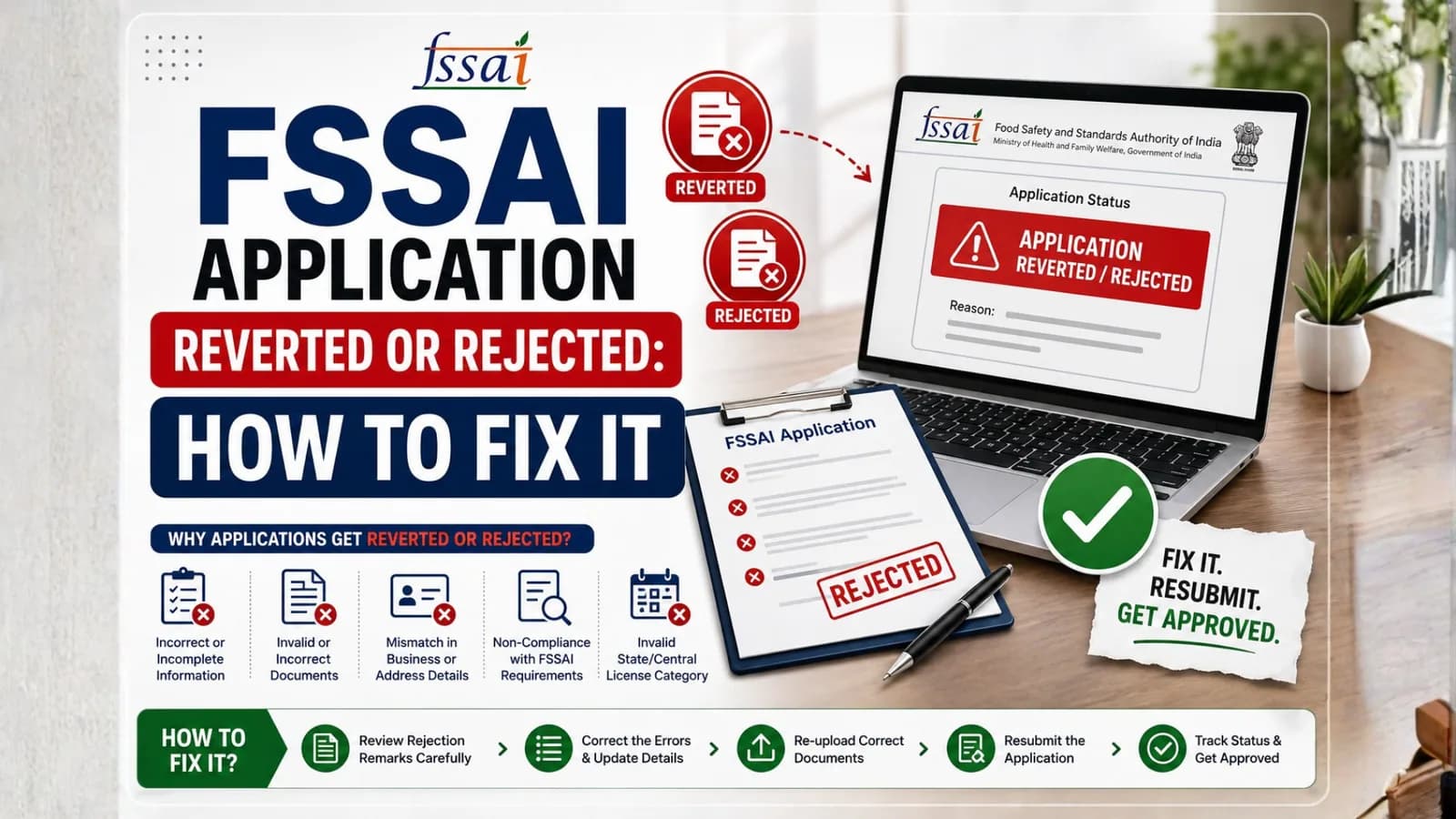
A revert means the officer processed your file and sent it back for a modification or a clarification. You have 30 days from the reverted date to respond. FoSCoS also emails the applicant, but that email lands in spam often enough that the portal, not the inbox, should be your source of truth.
Log in to FoSCoS and open the reverted application from your dashboard.
Read the officer remark in full, because it names the specific field or document at issue.
Fix only what was asked, and re-check that other fields still hold their values before you submit.
Re-upload any replaced document self-attested, in the same slot the officer flagged.
Submit and save the acknowledgement, so you have proof of the date you responded.
Most reverts on Form A trace back to the premises proof rather than anything complicated. If the officer has flagged an address, read our note on the documents required for FSSAI basic registration before you resubmit, because fixing the upload without fixing the typed address just produces a second revert.
What happens if your FSSAI application is rejected
A rejected application cannot be revived. The fee paid against it does not carry forward, and you file a new application from the start. That is why the 30-day window matters more than any other date in this process.
Rejection also follows where the applicant entity no longer exists in the form it applied in, such as a proprietorship that has since become a private limited company, or where the premises have materially changed since filing. In both cases a fresh application at the correct tier is the only route, not an appeal.
How to download your FSSAI registration certificate
Once the status reads issued, log in to FoSCoS and download the certificate from your dashboard. FSSAI also emails the certificate to the address entered on the application, and it carries an embedded QR code alongside your 14-digit registration number.
Two things to do the same day. Print the 14-digit number on your packaging and any listing where you sell, and display the certificate at the premises. Both are checked during routine inspection, and both are asked for at marketplace onboarding.
How to verify an FSSAI number that is not yours
FoSCoS carries a public search that lets you look up a licence or registration by its number, which is how buyers, marketplaces and distributors confirm that a supplier is genuinely registered and still active today. Use it before you onboard a vendor, and use it on your own number after any change to confirm the portal reflects it.
[VERIFY: confirm the exact name, location and current fields of the public FBO search on FoSCoS before publishing, and whether search by business name is available alongside search by number.]
How long each stage should take
Basic registration moves faster than the licence tiers because it does not normally require a physical inspection. Where the application is clean, the grant commonly lands within a few working days, and eligible petty operators using the instant registration route can receive the certificate on the spot.
If your file has sat at the first stage well beyond that, the usual cause is not portal delay. It is a category problem: a kind of business that cannot take basic registration at all. Check your tier against the FSSAI turnover limit and the licence-only categories before you chase the officer.
[VERIFY: confirm the statutory grant window for registration under Regulation 2.1.3 of the Licensing and Registration Regulations, 2011, and insert the exact number of days.]
Mistakes that keep applications stuck
Watching the inbox instead of the portal. Revert emails land in spam, and the 30-day clock does not pause for that.
Responding to a revert by filing a second fresh application. You now have two files, one of which will be rejected, and two fees.
Changing unrelated fields while fixing a revert. Resubmission can drop values, so verify the whole form before you submit.
Letting the reference number go missing, then having no way to track without the registered email or mobile.
Treating an issued certificate as the end of it. The number still has to appear on packaging and on display.
What we see on these filings at Complylocal
[EXPERT INPUT NEEDED: Keshav Sehgal to add one real, anonymised observation from Complylocal FSSAI filings. Strongest options: (a) how many days a typical Form A revert actually costs a client end to end, with a real figure; (b) the single officer remark we see most often on reverted basic registration files and the fix; (c) a client whose application auto-rejected because the revert email went to spam, and what the re-filing cost in time and fee. One real number required.]
Application stuck or reverted? Talk to Keshav’s team at Complylocal about FSSAI registration support.
Related reading
Premises address changed after your certificate was issued? That is an FSSAI licence modification, not a new application.
Official sources
FoSCoS, Food Safety Compliance System, foscos.fssai.gov.in, Track Application Status and public search.
FSS (Licensing and Registration of Food Businesses) Regulations, 2011, Regulation 2.1.3 and Form A under Schedule 2.
FSSAI Licensing and Registration FAQs published on foscos.fssai.gov.in, including certificate dispatch by email.
FSSAI order dated 13 March 2026, F. No. RCD-01002/1/2021-Regulatory-FSSAI-Part(1), revised turnover thresholds effective 1 April 2026.