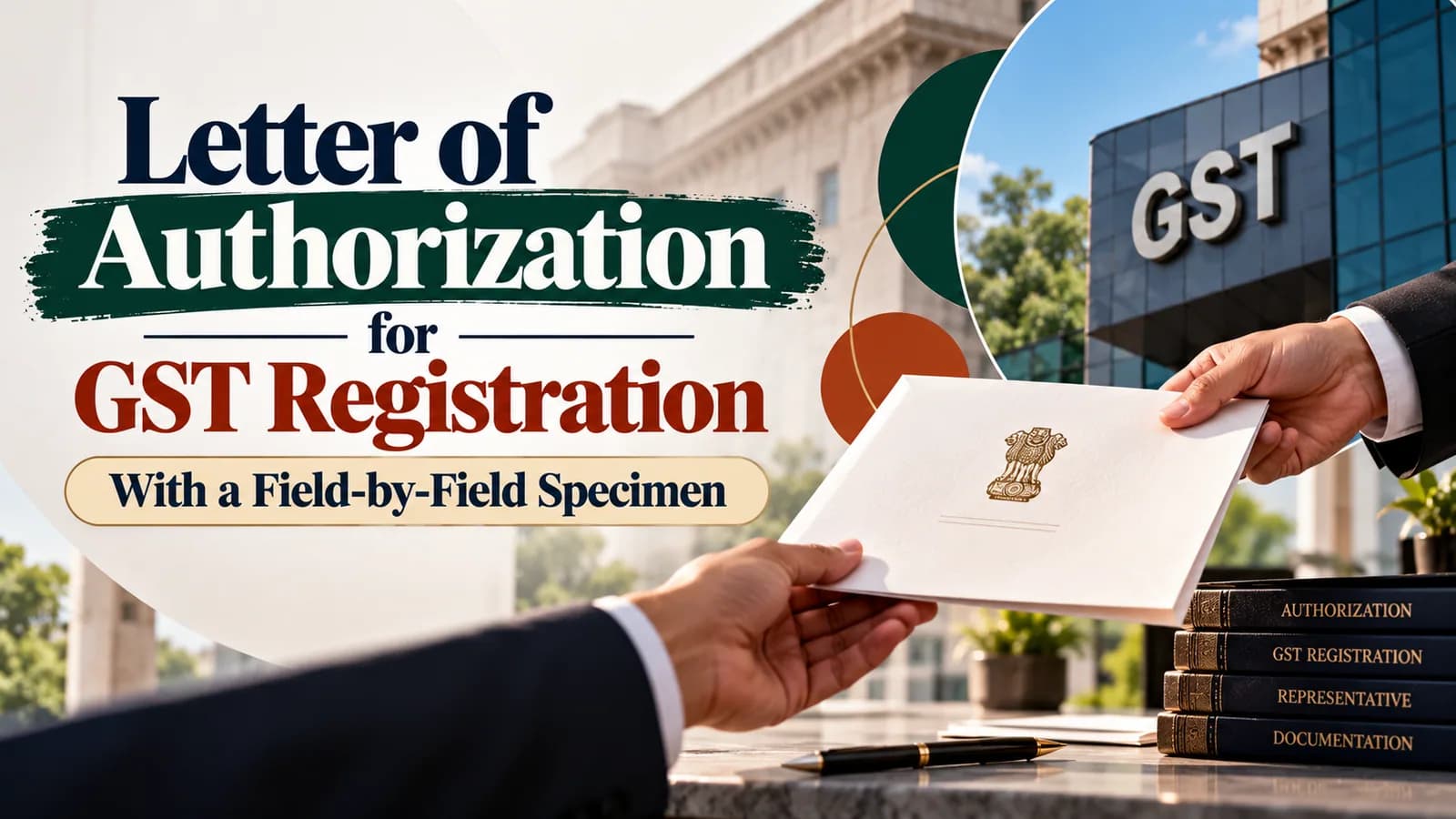
A letter of authorization for GST registration proves who may sign the GST application, returns and replies for your business. You upload it as proof of appointment in the Authorized Signatory tab of Form GST REG-01, as a PDF or JPEG. A proprietor who signs personally needs no letter, and companies upload a board resolution with an acceptance letter instead.
Below: who signs and who accepts for each type of business, a specimen with every field explained, and the checks that catch a mismatch before the officer does. The full registration document list is covered separately in our guide to documents required for GST registration.
Key facts on the GST authorisation letter
Point | Current position |
|---|---|
Where it goes | REG-01 Part B, Authorized Signatory tab, as proof of appointment |
File type | PDF or JPEG, according to the GST portal's registration manual |
Size limit | 1 MB in the current registration manual; the portal's older document checklist lists 100 KB |
Signatories allowed | Up to 10 per application, one ticked as Primary Authorized Signatory |
Signing the application | DSC mandatory for companies and LLPs; other businesses may use DSC, Aadhaar e-Sign or EVC |
Prescribed format | None. The letter is evidence of appointment, not a government form |
When do you need a letter of authorization for GST registration?
You need one whenever the business appoints someone to sign for it on the GST portal. A proprietor who will sign personally is the exception: the registration manual lets you set "Also Authorized Signatory" to Yes in the Promoter/Partners tab, and the details copy into the Authorized Signatory tab.
Every other constitution appoints. A partnership firm appoints a partner or an employee, an HUF appoints through its Karta, and a company or LLP appoints through its board or designated partners. A proprietor who wants a manager or accountant to sign also gives that person a letter.
Choose the Primary Authorized Signatory carefully. According to the portal manual, the email address and mobile number entered in Part A belong to that person, so registration OTPs and later portal communication go to them. A consultant's number in that slot sends your own GST correspondence outside the business.
Who signs and who accepts, by type of business
The portal's document checklist asks for a letter of authorisation, or a copy of the resolution passed by the board or managing committee with an acceptance letter. This table maps that to each constitution.
Business type | Appointment document | Signed by | Accepted by |
|---|---|---|---|
Proprietorship | None if the proprietor signs; a letter if someone else signs | Proprietor | Appointee |
Partnership firm | Letter of authorisation | The partners | Appointee |
LLP | Letter or resolution of the designated partners | Designated partners | Appointee |
Private or public company | Certified copy of the board resolution, with an acceptance letter | Director or company secretary certifying it | Appointee |
HUF | Letter of authorisation | Karta | Appointee |
Trust, society or club | Managing committee resolution, with an acceptance letter | Authorised committee members | Appointee |
No provision of the CGST Act or Rules fixes who among the partners must sign. Have every partner listed in the Promoter/Partners tab sign anyway: it costs nothing, and it removes the question of whether one partner could bind the others.
Specimen letter of authorisation for a partnership firm
Specimen only. This is not a government form. Print it on the firm's letterhead, replace every bracketed field, and match each entry to your REG-01 before signing.
[Firm letterhead showing the legal name and principal place of business] Date: [DD/MM/YYYY] To, The Proper Officer, [Jurisdiction selected in REG-01] Subject: Letter of authorisation for GST registration and compliance We, the partners of [legal name of the firm exactly as on its PAN], PAN [firm PAN], having its principal place of business at [address as entered in REG-01], hereby authorise [full name of appointee as on PAN], [designation], PAN [appointee PAN], to act as the Primary Authorised Signatory of the firm for GST registration in [State]. The authorised signatory may sign and verify the registration application, amendments, returns, refund applications, replies to notices and all other filings on the GST portal on behalf of the firm. All such acts will bind the firm. [Signature] [Name of partner 1], Partner [Signature] [Name of partner 2], Partner ACCEPTANCE I, [full name of appointee], accept this appointment as Authorised Signatory of [legal name of the firm] and confirm that all my acts on its behalf under GST law will bind the firm. [Signature] [Name of appointee], [Designation] Place: [City] Date: [DD/MM/YYYY] |
Field-by-field completion notes
Field | What to enter | Checked against |
|---|---|---|
Legal name | Exactly as on the firm's PAN, not the trade name | Legal name in Part A, validated with the CBDT database |
Firm PAN | The firm's 10-character PAN | PAN entered in Part A |
Principal place of business | The same address you enter in the PPOB tab | Principal Place of Business tab |
Appointee's name | As on the appointee's PAN, including initials | PAN and Aadhaar in the Authorized Signatory tab |
Designation | The same wording you type in Designation/Status | Authorized Signatory tab |
State | The state of this application; use a separate letter for each state | State selected in Part A |
Partner signatures | Every partner named in the application | Promoter/Partners tab |
Acceptance | Signed by the appointee personally | Name of the Authorized Signatory |
How to upload the letter in REG-01
The letter is uploaded inside the application, in the tab for the person it appoints. According to the GST portal's registration manual, the sequence is:
In Part A, enter the Primary Authorized Signatory's own email address and mobile number.
In Part B, open the Authorized Signatory tab and tick Primary Authorized Signatory for the main signatory.
Enter name, date of birth, designation, PAN, Aadhaar and residential address as they appear on ID documents.
Under Document Upload, select Proof of Appointment and upload the signed letter as a PDF or JPEG.
Upload the signatory's photograph separately, within 100 KB.
Complete Aadhaar authentication through the link sent to the signatory; the ARN is not generated until it is done.
Verify the application: DSC for companies and LLPs, and DSC, e-Sign or EVC for other businesses.
Companies and LLPs therefore need a registered DSC for GST registration before the final step. Once the ARN is generated, you can track the GST registration status from the portal.
Which file size limit applies?
The current registration manual allows up to 1 MB for proof of appointment, while the portal's older document checklist lists 100 KB. A clear single-page scan under 100 KB satisfies both. The manual also notes that the portal rejects an upload it reads as blank, so check the scan shows every signature.
Authorisation letter vs NOC, board resolution and GST practitioner
Four documents in a registration file get confused, and each one proves something different.
Document | What it proves | Issued by | Where it goes in REG-01 |
|---|---|---|---|
Letter of authorisation | Who can sign for the business | Proprietor, partners or Karta | Authorized Signatory tab |
Board or committee resolution with acceptance | The same, for a company or other body with a board | Board or managing committee | Authorized Signatory tab |
NOC or consent letter | Permission to use premises you neither own nor rent | Owner of the premises | Principal Place of Business tab |
GST practitioner details | Who may prepare filings on your behalf | Added by enrolment ID; the portal fetches the details | Authorized Representative tab |
A premises consent letter says nothing about who signs, and an authorisation letter says nothing about the premises. Many applications need both. Our NOC and consent letter format covers the premises side.
An authorised representative is not a signatory. A GST practitioner in the Authorized Representative tab can prepare your filings, but the authorised signatory still verifies them.
Checks to run before you submit REG-01
Every field in the letter should match a field already typed into the application. Put the signed letter and the form side by side and check:
The legal name matches the PAN-validated legal name, character for character.
The appointee's name matches their PAN and Aadhaar, including initials and middle names.
Every person who signed appears in the Promoter/Partners tab.
The appointee signed the acceptance personally.
The letter is dated on or before the date of the application.
Part A carries the Primary Authorized Signatory's mobile number and email, not an adviser's.
The scan is legible, uncropped and within the size limit.
The second check has a direct consequence. According to the portal manual, a name mismatch with UIDAI records fails Aadhaar authentication, and the ARN is not generated until authentication succeeds.
Want your signatory evidence checked against your REG-01 entries before you submit? Talk to Keshav's team about GST registration services at ComplyLocal →