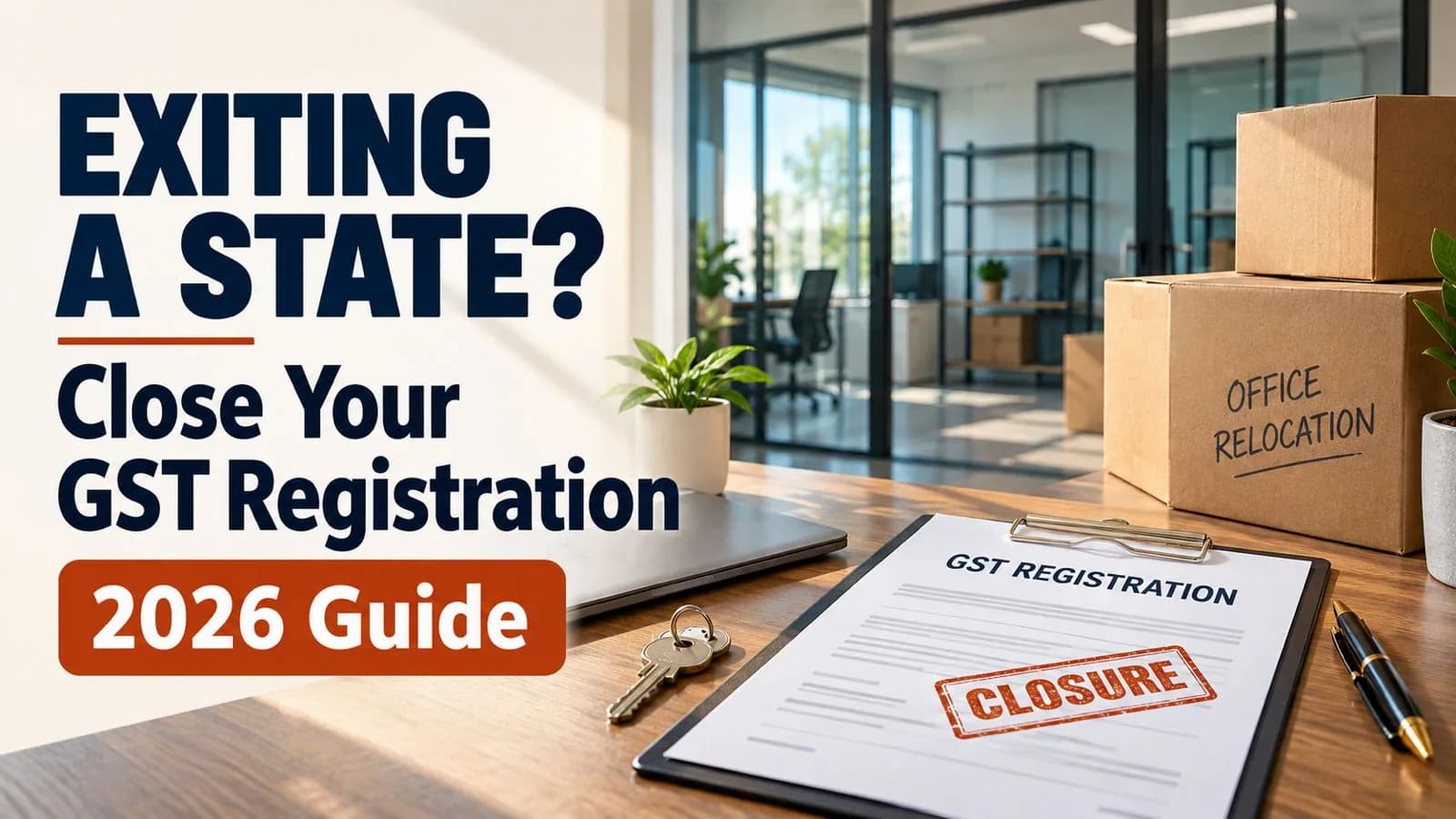
When you stop selling in a state, close that state's GSTIN in this order: move or sell the remaining stock, raise your last invoice, apply for cancellation in FORM GST REG-16 within 30 days of stopping, file the final return in FORM GSTR-10 within three months of cancellation, and only then end the virtual office agreement. Leaving stock behind makes you pay tax on it under Section 29(5) of the CGST Act. Ending the address early leaves notices with nowhere to land.
This applies to every GSTIN you hold in a state you are leaving, whether it was taken through a virtual office, a rented godown or a marketplace fulfilment centre declared as an additional place of business (APOB).
The 57th GST Council on 8 October 2026 recommended making most cancellation applications automatic. That changes the waiting, not the steps.
Key facts at a glance
Step | Rule | Time limit |
|---|---|---|
Apply for cancellation | Rule 20, CGST Rules; FORM GST REG-16 | Within 30 days of the event warranting cancellation |
Tax on stock held on the day before cancellation | Section 29(5), CGST Act | Paid through GSTR-10 |
Final return | Section 45, CGST Act; FORM GSTR-10 | Within three months of the later of the cancellation date and the cancellation order date |
Returns up to cancellation | Regular returns | Every period up to the effective date |
Recommended change | Automatic acceptance of REG-16 in specified cases (57th GST Council) | Not yet notified |
The ground for cancellation
A marketplace seller who stops supplying from a state usually cancels under Section 29(1) of the CGST Act. The two relevant grounds are discontinuance of business in that registration and no longer being liable to be registered.
E-commerce sellers of goods are typically registered under Section 24 because they supply through an e-commerce operator. Once you stop supplying from that state, the liability that created the registration ends.
Circular No. 69/43/2018-GST dated 26 October 2018 explains that the 30-day window in Rule 20 runs from the occurrence of the event and may be read liberally where the event is hard to pin to a date, such as a gradual wind-down.
Step 1. Clear the stock before you apply
Stock left in the state is taxed when the registration is cancelled. Under Section 29(5), you pay the higher of the input tax credit on the inputs, semi-finished goods, finished goods and capital goods held on the day before the effective date of cancellation, or the output tax payable on them.
There are three ways to clear it:
Sell it through the marketplace in that state before the cutoff.
Recall it to your GSTIN in another state. Section 25(4) and Schedule I, para 2, make this a supply between distinct persons, so raise a tax invoice with IGST and an e-way bill.
Return it to the supplier, where your purchase terms allow.
Our position: recall saleable stock rather than leaving it for the Section 29(5) payment. The recall invoice moves the tax as ITC to your receiving GSTIN, while the Section 29(5) payment is a cost that nothing offsets.
Step 2. Close the marketplace side
Stop inbound shipments to the fulfilment centres in that state and withdraw any open listings tied to the GSTIN. Collect the marketplace's final settlement and its TCS statements for the last months.
Tax collected at source by the operator shows up in that GSTIN's electronic cash ledger. If a balance remains after you pay your last liabilities, it can be refunded through FORM GST RFD-01. Our guide to refunding excess balance in the electronic cash ledger covers the steps.
Step 3. File REG-16 and keep filing until the effective date
Apply in FORM GST REG-16 within 30 days of stopping supplies from the state. Give the date of discontinuance, the stock position and the tax payable on it, and the last invoice number.
Keep filing returns for every period up to the effective date of cancellation. A cancellation application does not pause your GSTR-1 and GSTR-3B obligations. Our general guide on how to cancel GST registration walks through the REG-16 screens.
Step 4. File GSTR-10, then end the address
Under Section 45 of the CGST Act, the final return in FORM GSTR-10 is due within three months of the date of cancellation or the date of the cancellation order, whichever is later. Any Section 29(5) liability is paid here, and output tax that exceeds your available credit is paid in cash, according to Circular No. 69/43/2018-GST.
Only after the cancellation order is issued and GSTR-10 is filed should you end the virtual office agreement. Until then, that address is your principal place of business on record, and any notice or officer visit goes there. Our guide to replying to a GST notice on a virtual office address shows what is at stake if no one is there to receive it.
What the 57th GST Council recommended for cancellation
According to the PIB release of 8 October 2026, para 3.1.1, cancellation applications will be accepted automatically by the system once all pending returns are filed and all dues are paid. Phase 1 covers two cases:
Taxpayers who have not passed on ITC above ₹2.5 lakh in any month since registration.
Taxpayers who did pass on more than ₹2.5 lakh in a month but have filed GSTR-10 within the specified time.
In Phase 2, all cancellation applications are to be accepted automatically once returns are filed and dues paid, and REG-16 will be amended to take the GSTR-10 details within the application itself.
Most B2C marketplace sellers fall in the first Phase 1 case. Once notified, their REG-16 should go through without an officer, provided every return is filed and every rupee is paid. That makes Step 3's discipline the whole game.
Winding down a state GSTIN? Talk to Ankush's team about GST cancellation handled in the right order, from stock recall to the final return.
Your next step: check the stock report for every fulfilment centre in the state you are leaving, and schedule the recall before you set the discontinuance date.