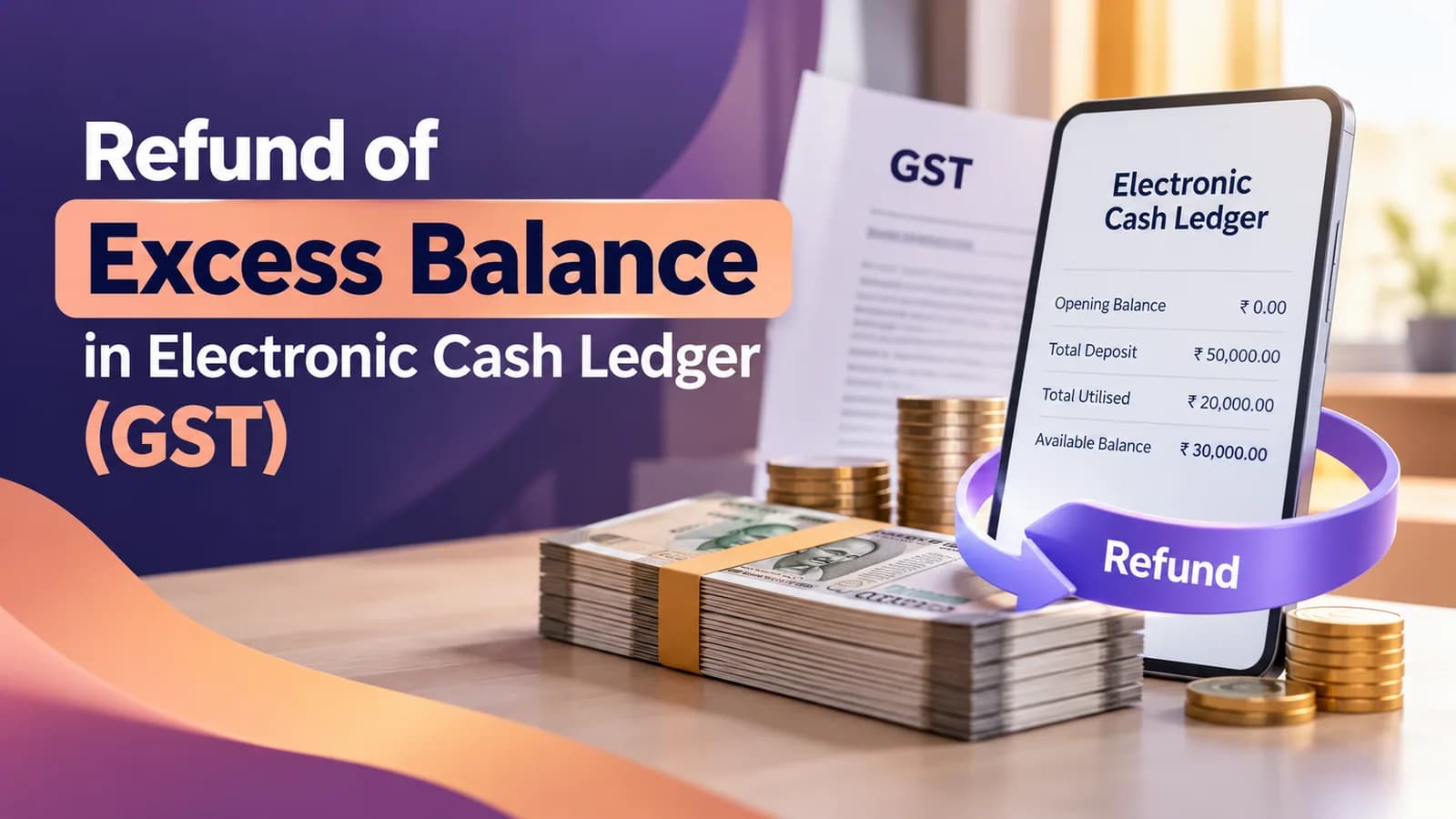
You claim a refund of excess balance in the electronic cash ledger through Form GST RFD-01 on the GST portal, choosing the ground "Refund of excess balance in Electronic Cash Ledger". The amount must be cash left over after your tax dues are paid, not input tax credit. CBIC Circular No. 166/22/2021-GST says the Section 54(1) two-year limit does not apply to it.
Before filing, check two things: whether a PMT-09 transfer fixes the problem faster, and whether every return due is filed. This guide covers both checks, the portal steps and what happens after the ARN.
Key facts on excess cash ledger refunds
Point | Current position |
|---|---|
Legal basis | Section 49(6) read with Section 54, CGST Act |
Form and ground | RFD-01, ground "Refund of excess balance in Electronic Cash Ledger" |
Time limit | Section 54(1) two-year limit not applicable (Circular No. 166/22/2021-GST, dated 17 November 2021) |
Unjust enrichment declaration | Not required for this ground (same circular) |
Minimum amount | No minimum limit, according to the GST portal's refund FAQ |
Returns | Returns due on or before the application date must be filed first (GST portal refund FAQ) |
Refund order | Within 60 days of a complete application (Section 54(7)); interest under Section 56 if paid late |
Cash ledger or credit ledger: which balance do you have?
The electronic cash ledger holds money deposited through challan PMT-06, plus GST TDS and TCS credits you have accepted. The electronic credit ledger holds input tax credit (ITC). Only the cash ledger qualifies for this refund; ITC is refunded only in specific cases such as zero-rated supplies and inverted duty structure, through different grounds with their own conditions.
Point | Electronic cash ledger (PMT-05) | Electronic credit ledger (PMT-02) |
|---|---|---|
What it holds | Challan deposits and accepted TDS/TCS credits | Input tax credit on purchases |
What it can pay | Tax, interest, penalty, late fee and other amounts | Output tax only |
Refund ground | Excess balance in the cash ledger | Zero-rated supplies or inverted duty structure (Section 54(3)) |
Time limit | Section 54(1) limit not applicable, per Circular No. 166/22/2021-GST | Two years from the relevant date |
Transfer to another GSTIN on the same PAN | Allowed through PMT-09 (Rule 87(14)) | Not allowed |
Check the ledger name on the portal before you start. A balance that is really ITC will fail on this ground however carefully the form is filled.
Why excess cash builds up in the ledger
The usual sources are a challan paid twice, tax deposited under the wrong head, an advance deposit larger than the final liability, and TDS or TCS credits that exceed the tax you owe. A casual taxable person's unused advance tax deposit also sits in the cash ledger.
Circular No. 166/22/2021-GST confirms that TDS and TCS credited to the cash ledger and left unused after tax dues are paid can be refunded as excess cash, because they are equivalent to cash deposits. Marketplace sellers should first match the operator's TCS credits with their own sales data; our marketplace reconciliation work covers that step.
Try PMT-09 before you file a refund
If the money is only sitting under the wrong head, a refund is the slow fix. Rule 87(13) of the CGST Rules lets you move cash between heads of your own cash ledger through Form GST PMT-09, for example from integrated tax to central tax.
Rule 87(14), inserted by Notification No. 14/2022-Central Tax dated 5 July 2022, also lets you move cash to the central tax or integrated tax head of another GSTIN registered on the same PAN. The transfer is blocked if the transferring GSTIN has any unpaid liability in its electronic liability register.
Our view: claim a refund only when no liability in the next few months will absorb the balance. If next quarter's tax will use it, the cash is already working for you.
Is there a time limit for refund of excess cash ledger balance?
No, according to CBIC. Circular No. 166/22/2021-GST, dated 17 November 2021, clarifies that the time limit in Section 54(1) of the CGST Act does not apply to refund of excess balance in the electronic cash ledger. The same circular says no certificate or declaration against unjust enrichment is required.
Two cautions. The GST portal's refund manual still displays a general disclaimer that the system does not check the limitation period, and some commentators have questioned whether a circular can relax a time limit written into the Act. For an older balance, attach a short note citing the circular and the challans that created the balance.
Do not treat the absence of a limit as a reason to wait. Money in the ledger earns nothing, and older balances are harder to trace back to the challans that created them.
Checks before filing RFD-01
Run these checks in order. Each one removes a common reason for a deficiency memo or an adjusted refund.
Open Services > Ledgers > Electronic Cash Ledger and note the balance under each head.
Open the Electronic Liability Register and confirm there are no unpaid return or demand liabilities.
File every return due on or before today: GSTR-1 and GSTR-3B, or CMP-08 and GSTR-4 for composition taxpayers.
Complete Aadhaar authentication for the authorised signatory if it is pending.
Confirm the refund bank account in your registration is in the business's name; add one by non-core amendment if needed.
Prepare a one-page note showing how the excess arose, with the challan numbers.
For TDS or TCS balances, keep the credit acceptance records from the portal.
The return requirement comes from the GST portal's refund FAQ, and our guide to types of GST returns lists which returns apply to your registration.
How to file RFD-01 for excess cash ledger balance
The steps below follow the GST portal's refund FAQ for this ground.
Go to Services > Refunds > Application for Refund.
Select Refund of excess balance in Electronic Cash Ledger and create the application.
Check the auto-populated ledger balance, then enter the refund for each head, not exceeding the balance.
Select the bank account for the refund.
Upload supporting documents: up to 10 files of 5 MB each.
Preview the PDF, accept the declaration and submit with DSC or EVC.
Note the ARN; the claimed amount is debited from the cash ledger at once.
A saved draft is purged after 15 days, so file in one sitting where you can. There is no statement template to upload for this ground.
What happens after you file
The application goes to the jurisdictional refund officer. Under Rule 90 of the CGST Rules, the officer either acknowledges a complete application in RFD-02 or issues a deficiency memo in RFD-03 within 15 days. After an RFD-03, the amount is re-credited to your ledger and you file a fresh application with the deficiency fixed.
Section 54(7) requires the refund order in RFD-06 within 60 days of receiving a complete application. If the refund is paid later, Section 56 provides interest, at 6% a year under Notification No. 13/2017-Central Tax. Before rejecting a claim, the officer must issue a show cause notice in RFD-08, and you reply in RFD-09 within 15 days.
If a claim is rejected and you decide not to appeal, the GST portal's FAQ says you can file an undertaking so the officer re-credits the rejected amount to the cash ledger through PMT-03.
A casual taxable person or non-resident whose registration was never granted can log in with the TRN to add bank details and claim the deposit back, according to the same FAQ.
Want your cash ledger reconciled and the refund claim prepared? Talk to Ankush's team about GST refund services at ComplyLocal →