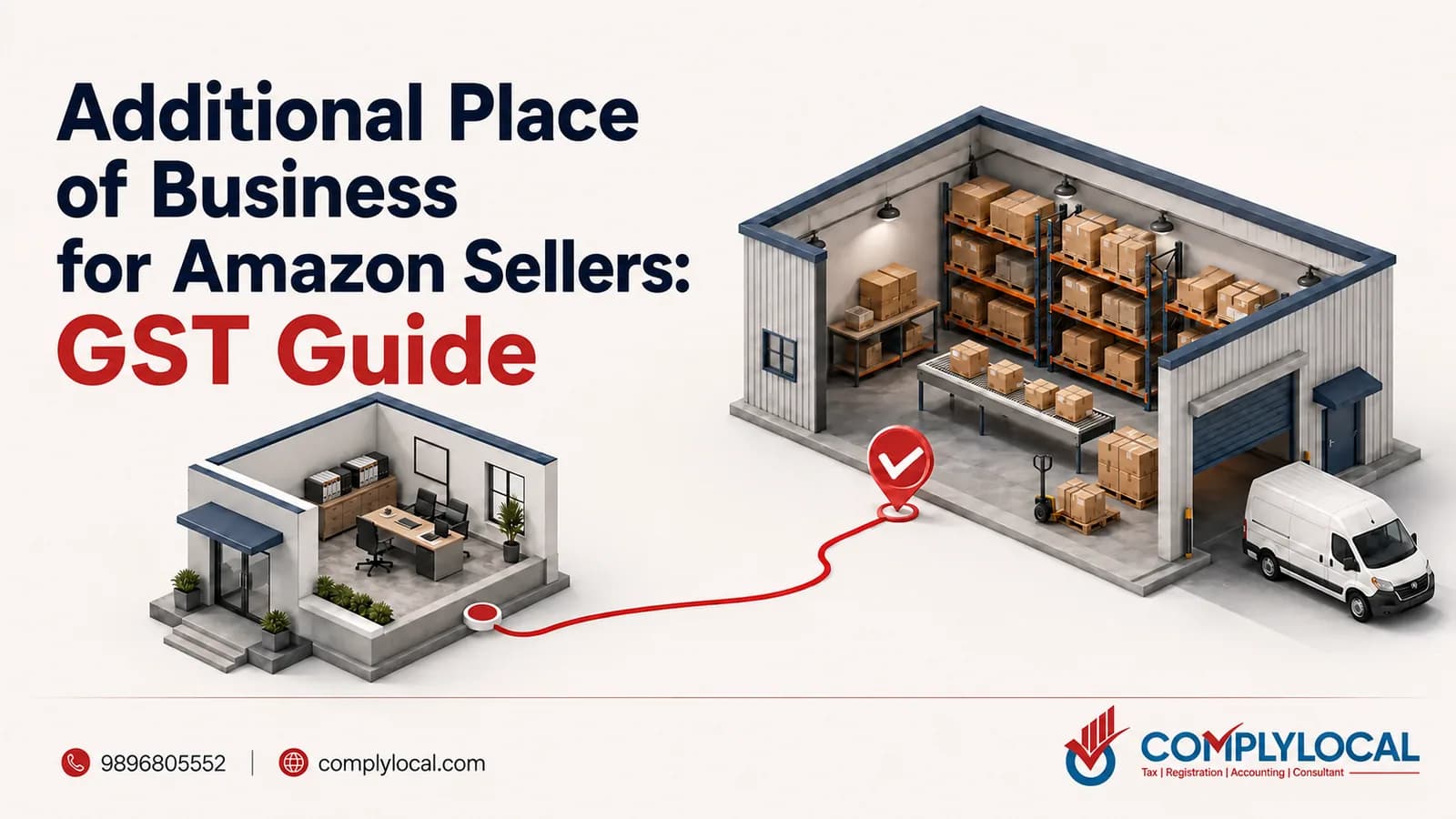
Every Amazon FBA seller hits the same wall at onboarding: Seller Central asks for a GST certificate showing the Amazon fulfilment centre as an additional place of business, and stock cannot move until it’s there. What looks like an Amazon formality is actually a GST law requirement — the FC is a warehouse holding your goods, and GST expects it on your registration.
I’m Keshav Sehgal from ComplyLocal Consultants, and Amazon APOB and VPOB setups are the core of our e-commerce practice. This playbook covers the full seller journey: why FBA requires the FC as APOB, all three ways to file it (including Amazon’s auto-apply tool), the Go Local structure for States where you have no presence, the documents involved, and the exact sequence that keeps you compliant. For the underlying concept, see our guide to the additional place of business under GST.
Why Amazon Requires the FC as Your APOB
Two requirements stack on top of each other:
**GST law:** Section 2(85) of the CGST Act includes warehouses, godowns, and any place where a taxable person stores goods in the definition of “place of business.” An Amazon FC holding your inventory is exactly that — and like any warehouse under APOB rules, it must appear on your registration.
Amazon’s onboarding: Amazon’s FBA documentation requires sellers to hold a GSTIN in the State and add the Amazon fulfilment centre address as APOB on the GST certificate, then upload the updated REG-06 showing the FC as APOB in Seller Central for FBA onboarding.
So the certificate upload isn’t Amazon inventing paperwork — it’s Amazon checking that you’ve done what GST law already required. Marketplace compliance has been tightening on exactly this point: platforms increasingly insist on the updated REG-06 showing FC addresses before fulfilment goes live.
The Amazon APOB Requirement, Mapped to Your Situation
Your situation | What you need | Route |
|---|---|---|
FBA using an FC in the State where you already hold a GSTIN | Add the FC address as APOB under that GSTIN | Core-field amendment (three filing options below) |
FBA using an FC in a State where you have no GSTIN | A GSTIN for that State first — APOB alone cannot cross States — then the FC as APOB | State registration via virtual PPOB (Go Local structure), then APOB amendment |
Multiple FCs within one State | Each FC added as APOB under the same GSTIN | One amendment can carry several places — up to 500 APOBs are permitted |
FCs across several States | Separate GSTIN per State, each with its FC(s) as APOB | Repeat the VPOB + APOB structure State by State |
The Three Ways to File Your Amazon APOB
Amazon’s FBA onboarding documentation offers three routes to get the FC onto your certificate. All three end at the same place — an ARN, officer approval, and an updated REG-06 — they differ in who does the work.
Route 1: Certified Service Provider
Amazon-recommended CAs (certified service providers) submit the APOB application on your behalf and provide you the REG-14/ARN. You hand over the documents; they handle the filing and give you the reference to track. Best when you want accountability for the paperwork and any officer queries.
Route 2: Amazon’s Auto-Apply APOB Tool
Amazon’s auto-apply tool files the amendment for you: you enter your GST portal credentials and OTP, the tool generates the ARN automatically, and you upload the new REG-06 once approval comes through. It’s the lowest-friction route — part of a broader trend of marketplaces filing APOB amendments through GSTN-integrated workflows. Note what it does and doesn’t do: it files the application; the officer still approves it, and the REG-06 upload in Seller Central is still on you.
Route 3: Self-Registration on the GST Portal
You file the standard core-field amendment yourself and upload the updated certificate when approved. The complete field-by-field walkthrough is in our guide on how to add an additional place of business — the Amazon FC goes in like any premises, with the FC address and consent-based documentation.
Factor | Certified provider | Auto-apply tool | Self-filing |
|---|---|---|---|
Who files | Amazon-recommended CA | Amazon’s tool (with your credentials + OTP) | You |
What you receive | REG-14/ARN from the provider | ARN generated automatically | ARN on submission |
Effort | Lowest for you | Low | Highest — you own every step |
Officer queries (REG-03) | Provider assists | You handle | You handle |
Still your job | Upload updated REG-06 in Seller Central | Upload updated REG-06 in Seller Central | Upload updated REG-06 in Seller Central |
Go Local: Selling FBA in States Where You Have No Presence
APOB cannot cross State lines — an FC in another State needs a GSTIN in that State first. Amazon’s Go Local programme is built for exactly this: it combines a **virtual PPOB (VPPoB)** with the **FC address as APoB** where the seller lacks physical presence in the new State. The virtual place of business gives you the principal address for the State registration; the fulfilment centre then rides on it as the additional place. Repeat the pairing State by State as you expand — sellers scaling nationwide end up with multiple GSTINs, each carrying its own FC APOBs, not one GSTIN stretched across the country.
Documents for an Amazon APOB File
Amazon APOB files combine the standard possession proofs with marketplace-provided paperwork — e-commerce guides specifically list **VPOB agreements, NOCs, and Amazon FC address letters** for the APOB registration file. The portal’s baseline rules still apply: PDF/JPEG, 1 MB per file, up to two documents per APOB, and proof isn’t compulsory for every APOB but uploading it avoids clarification rounds. The full possession-type breakdown is in our guide to APOB document requirements.
The Sequence That Keeps You Compliant
Order matters more than speed. This is the sequence we run for every seller:
Hold the State GSTIN first. Home State: you likely have it. New State: set up the VPOB-based registration before touching APOB.
File the APOB amendment for the FC address — provider, auto-apply, or self — within 15 days of the arrangement, batching multiple FCs of the same State into one application (a pending core-amendment ARN blocks a second filing).
Wait for approval. The officer typically acts within internal timelines of around 15 days; answer any REG-03 in REG-04 within 7 working days.
Download the updated REG-06 showing the FC as APOB.
Upload the REG-06 in Seller Central to complete FBA onboarding.
Only then send stock inward. Operating through a premises not yet on your certificate can be treated as running an undeclared location.
Where sellers get burned: inventory booked into the FC while the amendment is still pending. The e-way bill “ship to” address is then an undeclared premises — exactly the mismatch that State enforcement (Tamil Nadu’s guidance, for instance) penalises under Sections 125/129. The updated certificate is the green light, not the ARN.
Mistakes Amazon Sellers Make with APOB
Trying to cover an out-of-State FC with the home GSTIN. APOB is same-State only — the most repeated error in seller forums, and it guarantees rejection.
Sending inventory before the REG-06 is updated — see the sequence above.
Treating the auto-apply ARN as the finish line. The ARN is a filing reference; approval and the Seller Central upload complete the job.
**Forgetting the FC when things change.** New FC onboarding, FC exits — each is a fresh 15-day APOB amendment event, additions and deletions alike.
Address mismatches between the FC address letter and the portal entry — the standard clarification trigger applies to marketplace files too.
Expert Tips from ComplyLocal Consultants
Start the APOB filing the day FBA onboarding opens — approval time is the bottleneck in your launch plan, so put it first, not last.
Batch all FCs of a State into one amendment; file per-State in parallel since each GSTIN’s application is independent.
Keep a per-State compliance folder: VPOB agreement, FC address letter, NOC, ARN, REG-15, latest REG-06 — Amazon asks for the certificate, officers ask for the rest.
If you use the auto-apply tool, diarise the ARN and track it yourself — a REG-03 with a 7-working-day clock doesn’t wait for you to notice.
Multi-State launches are where this gets heavy — our APOB registration service runs the VPOB + APOB structure end to end, State by State.
Official References
Amazon Seller Central — FBA onboarding process: the requirement to add the FC as APOB and upload the updated REG-06, and the three filing routes.
Amazon Seller Central — Go Local programme: the virtual PPOB (VPPoB) plus APoB (FC address) structure for new States.
CGST Act, Section 2(85) — warehouses and storage places within the definition of “place of business.”
GST Portal Manuals — “Additional Places of Business” and “Amendment of Registration (Core Fields)”: the amendment route, document rules, and the 500-APOB limit.
GST Council Registration Flyer — the 15-day amendment window for changes to place of business.
State enforcement guidance (e.g., Tamil Nadu) — penalties for goods delivered to premises not listed on the registration.
Conclusion
For an Amazon seller, APOB is not a side-task — it is the legal bridge between your GSTIN and Amazon’s warehouse. The playbook is short: GSTIN in the FC’s State (VPOB where needed), the FC filed as APOB through whichever of the three routes fits you, the updated REG-06 in hand, uploaded to Seller Central — and only then stock inward. Follow that order and FBA onboarding is paperwork; break it and every consignment into the FC documents the gap.
— Keshav Sehgal, E-commerce GST, APOB, VPOB & PPOB Specialist, ComplyLocal Consultants