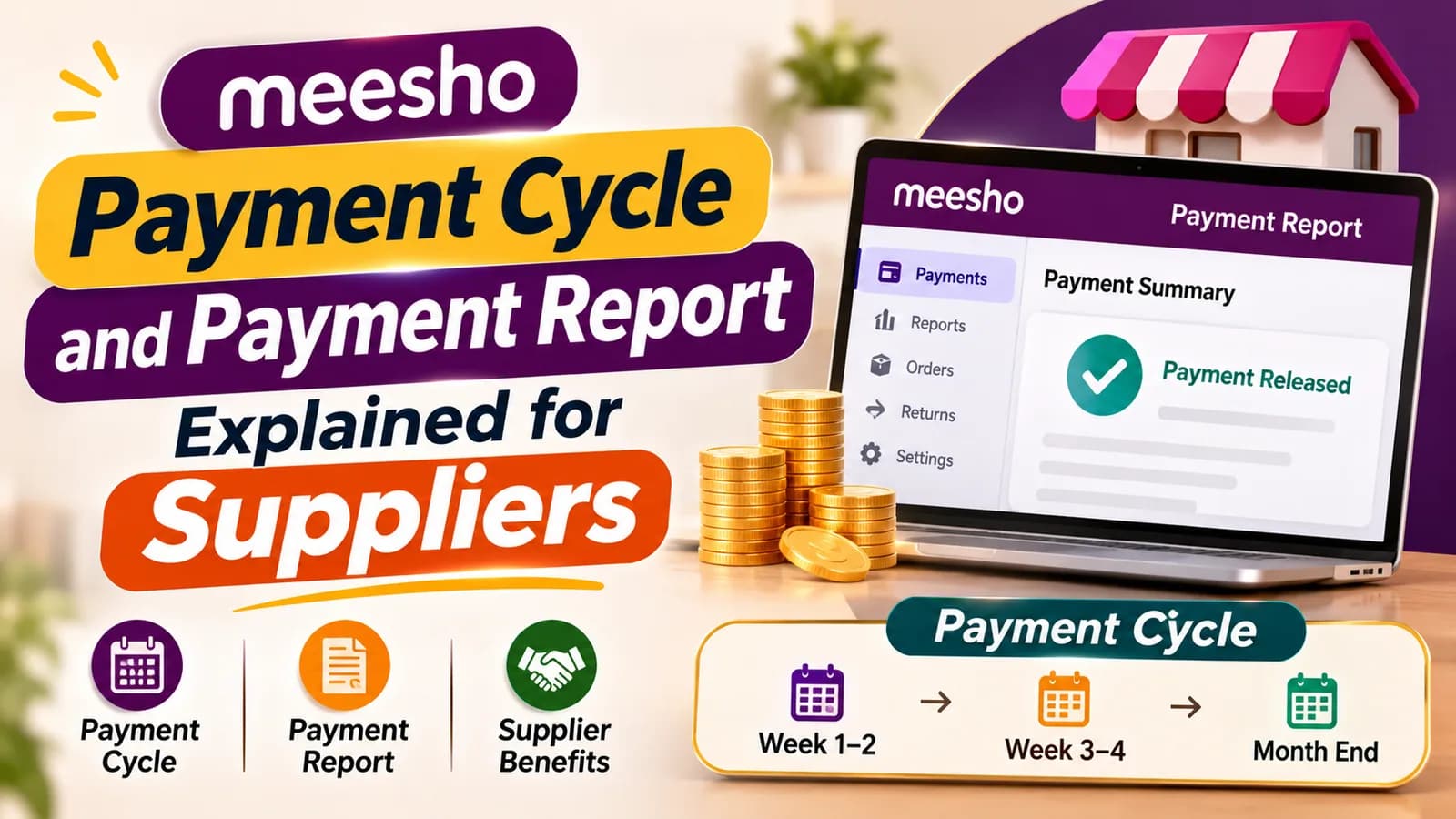
The Meesho payment cycle is 7 days from the date of delivery, for prepaid and cash-on-delivery orders alike. According to Meesho's supplier pricing page, the settlement is deposited directly into the bank account registered in your Supplier Panel. A product delivered on 3 November is therefore due for payment from about 10 November, not from the date you dispatched it.
The amount that reaches your bank is rarely the sum of your order values. Shipping with GST, TCS, TDS, ads cost, compensation and recoveries all move through the same payment, and returns from earlier orders are adjusted against later ones. Reading the Payments tab correctly is what turns "Meesho paid less" into a list of specific, checkable lines.
Point | Position |
|---|---|
Payment cycle | 7 days from order delivery, including cash-on-delivery orders |
Paid to | Bank account registered in the Supplier Panel |
Commission | 0% in all categories |
Main deductions | Shipping with 18% GST, reverse shipping on customer returns, GST TCS, income-tax TDS, ads cost |
Additions | Compensation for approved claims |
Where to see it | Payments tab in the Supplier Panel, with downloadable reports |
How the Meesho payment cycle works
The clock starts when the order is delivered, not when it is picked up. Meesho counts 7 days from delivery and pays the settlement for that order in the payment run that follows.
Event | Example date |
|---|---|
Order received and accepted | 29 October |
Picked up by courier | 30 October |
Delivered to the buyer | 3 November |
Payment due under the 7-day cycle | From 10 November |
Customer return, if raised | Adjusted against a later payment |
Because delivery dates vary, a week of dispatches is paid across several payment dates. Plan cash flow from delivered orders, not dispatched ones, and treat orders still in transit as inventory, not receivables.
What the Meesho Payments tab shows
The Payments tab in the Supplier Panel is organised into views for payments already made, payments outstanding, compensation and recoveries, ads cost and referral payments. It also lets you download the GST report, tax invoices, commission tax invoices, payments to date and outstanding payments.
View or report | What it tells you |
|---|---|
Payments to date | Every payment already made, with its date and reference |
Outstanding payments | Amounts Meesho owes for delivered orders not yet paid |
Compensation and recoveries | Claims approved in your favour, and amounts recovered from you |
Ads cost | Advertising spend deducted from payments |
GST report and tax invoices | Order-level tax data for GSTR-1 and the invoices for Meesho's charges |
Download the order-level payment report, not just the summary. The summary tells you how much arrived; only the order-level file tells you why.
Why your Meesho payout differs from order value
The payout for an order is the supplier price less everything Meesho deducts on it, plus or minus adjustments from other orders. The usual lines are these:
Line | Direction | Nature |
|---|---|---|
Supplier price for delivered orders | Added | Your sale |
Forward shipping and 18% GST on it | Deducted | Cost, with the GST claimable as input tax credit |
Reverse shipping on customer returns | Deducted | Cost of returns |
GST TCS at 0.5% of net taxable value | Deducted | Recoverable through your GST cash ledger |
Income-tax TDS at 0.1% of gross sales | Deducted | Recoverable in your income-tax return |
Ads cost | Deducted | Marketing expense |
Compensation for approved claims | Added | Recovery of a loss |
Recoveries | Deducted | Amounts Meesho reclaims, such as for earlier overpayments |
Our guide to Meesho seller charges explains the shipping and return lines in detail.
How to reconcile a Meesho payment step by step
Reconcile each payment against the orders it covers, not against a week of sales:
Download the order-level payment report for the payment date and the bank statement showing the credit.
Match the total in the report with the amount credited to the bank.
For each sub-order, check the delivery date and confirm that 7 days have passed.
Check the supplier price against your listing for that order.
Check shipping and GST on shipping against the weight slab you expect.
Separate TCS and TDS into their own columns; do not net them into costs.
Trace every return adjustment to its original sub-order and its earlier payment.
List orders delivered more than 7 days ago that are not in any payment, and raise them with support.
Our guide to the payment reconciliation process covers the same method across marketplaces and gateways.
A worked Meesho payment reconciliation
This illustrative payment covers a set of delivered orders and three earlier returns. Amounts are assumed for the arithmetic, and supplier prices include 5% GST.
Line | Amount |
|---|---|
Supplier price on 40 delivered orders | ₹13,960 |
Less forward shipping with GST | ₹2,400 |
Less reverse shipping on 3 earlier customer returns | ₹360 |
Less return adjustment for those 3 orders, paid in an earlier cycle | ₹1,047 |
Less ads cost for the period | ₹500 |
Less GST TCS at 0.5% on net taxable value of ₹12,298 | ₹61.49 |
Less income-tax TDS at 0.1% on taxable value of ₹13,295 | ₹13.30 |
Add compensation for one approved lost-shipment claim | ₹349 |
Net payment to bank | ₹9,927.21 |
If the bank shows ₹9,927.21, the payment reconciles. If it shows less, the difference usually sits in a recovery line or a return adjustment for an order you have not traced yet.
Where Meesho payment reconciliation goes wrong
Most mismatches come from timing. A return adjusted in this week's payment belongs to a sale paid two or three weeks earlier, so matching by week makes a profitable week look poor and the earlier week look better than it was.
At Complylocal, the Meesho gap we find most often is compensation never claimed. Lost or damaged shipments and wrong returns are compensated only after a claim is raised and approved, and a seller who never opens the claims view leaves those amounts with the platform. Review claims weekly, and keep the order IDs of every damaged or wrong return with photos.
Taxes inside the Meesho payment
Two of the deductions are tax you get back, not costs. GST TCS reaches your electronic cash ledger once you accept it on the GST portal, and income-tax TDS is claimed in your return through Form 168.
Book both as receivables when you record the payment, and book GST on shipping as input tax credit. Our guide to accounting entries for TDS receivable and GST TCS shows the journal entries line by line.
Using the Meesho GST report for your returns
The GST report in the Payments section gives order-level tax data for each month: taxable value, tax by head and the buyer's State. Build your GSTR-1 for Meesho sales from this report, not from the payment report, because payments are timed by delivery plus 7 days while GSTR-1 follows the invoice date.
Then check the Meesho TCS row in your "TDS and TCS Credit Received" form against the same report. The TCS should be close to 0.5% of the month's net taxable sales after returns; a large gap means either your GSTR-1 or Meesho's GSTR-8 needs attention before the department notices it.
How to plan cash flow around the Meesho payment cycle
Because payment follows delivery by 7 days, cash arrives roughly 10 to 14 days after dispatch for most orders, and later for remote pin codes. A seller who restocks on the basis of dispatch volume can run out of cash in a growth month, even though every order is profitable.
Forecast from delivered orders plus 7 days, reduce the forecast by your customer-return rate, and keep a buffer for return adjustments that land in later payments. High RTO rates lengthen the gap further, because RTO orders tie up stock and pay nothing; our guide to RTO charges in e-commerce shows how to measure that cost.
Want every Meesho payment matched to its orders, claims and returns each week? Talk to Ashish's team about e-commerce payment and marketplace reconciliation.