
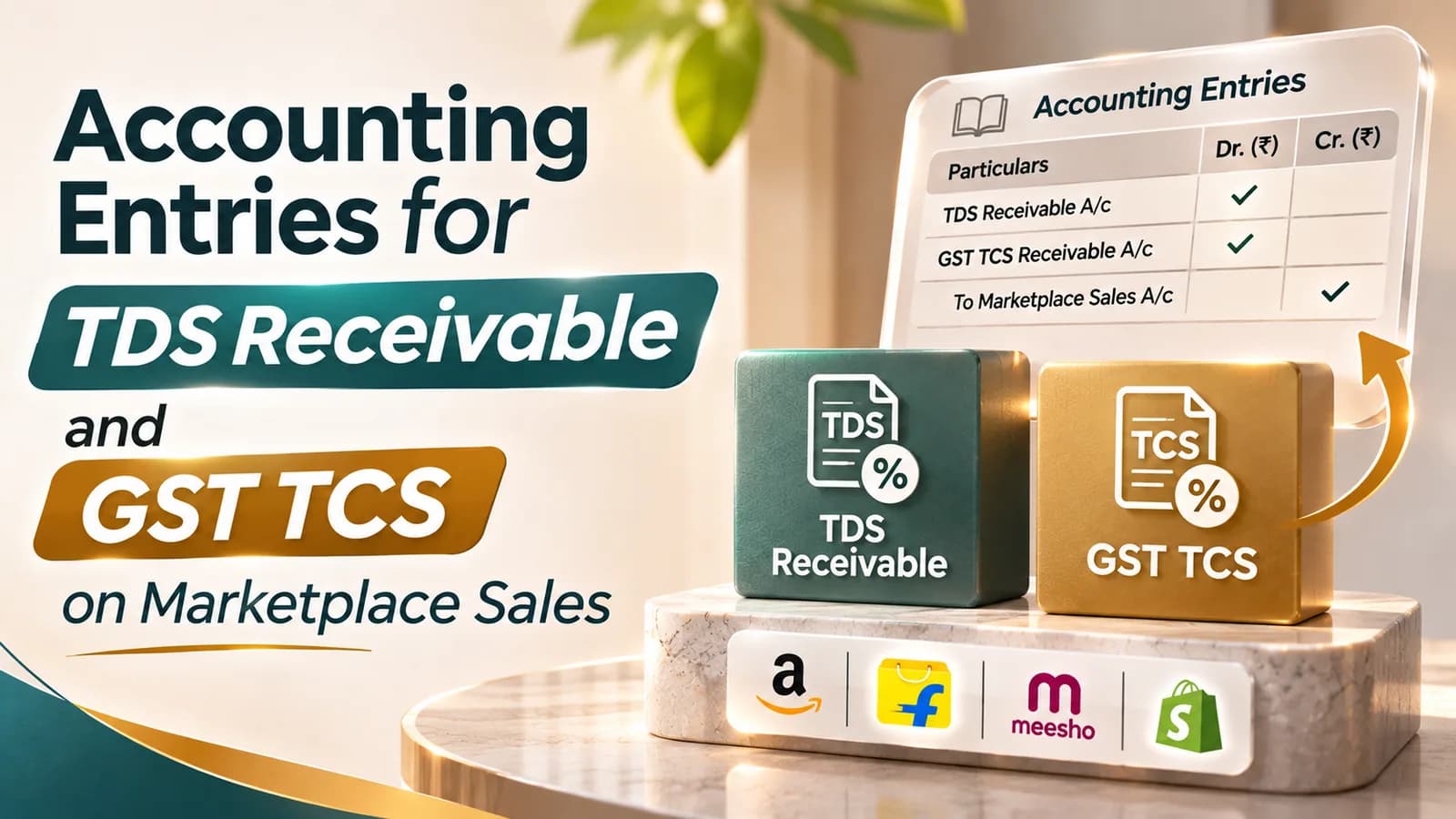
The accounting entry for TDS receivable debits a "TDS receivable" asset ledger and credits the party that deducted the tax, here the marketplace, for the 0.1% income-tax TDS held back from your settlement. GST TCS works the same way: debit "GST TCS receivable" and credit the marketplace for the 0.5% collected. Neither amount is an expense. Both are tax you have already paid and will recover.
The reason this matters is profit. A seller who books the settlement as "sales minus everything deducted" treats TDS, TCS and the GST on marketplace fees as costs, and on a ₹5 lakh month that can overstate platform charges by more than ₹16,000. The entries below keep every rupee in the right place.
Item deducted from the settlement | Nature | Ledger to use | Group |
|---|---|---|---|
Marketplace fees (commission, closing, shipping) | Expense | Marketplace fees | Indirect expenses |
GST on marketplace fees | Input tax credit | Input IGST, or input CGST and SGST | Duties and taxes |
GST TCS at 0.5% | Asset, recoverable through GST | GST TCS receivable | Current assets |
Income-tax TDS at 0.1% | Asset, recoverable through income tax | TDS receivable, e-commerce | Current assets |
Returns and refunds to buyers | Reduction of sales | Sales returns, and output GST reversal | Sales accounts and duties |
Ledgers to create before posting marketplace entries
Create one control ledger per marketplace and per GSTIN, plus separate receivable ledgers for each kind of tax deducted. A seller on three platforms with two registrations needs six marketplace ledgers, because each platform settles each registration separately.
The ledgers you need: a marketplace account for each platform and GSTIN (current asset, as the marketplace owes you money), sales by channel, output GST by tax head, input GST by tax head, marketplace fees by type, GST TCS receivable, TDS receivable, and bank. Keep TCS and TDS receivable separate by marketplace if you can, because that is how Form 168 and the GST portal show them.
Journal entries for one marketplace settlement
This worked example uses one month on one platform. Sales of ₹5,00,000 taxable value carry 5% GST of ₹25,000; fees are ₹75,000 plus 18% GST of ₹13,500; TCS is 0.5% of ₹5,00,000 and TDS is 0.1% of ₹5,00,000.
Entry | Debit | Credit | Amount |
|---|---|---|---|
1. Record the sales | Marketplace account | Sales | ₹5,00,000 |
Output GST | ₹25,000 | ||
2. Record fees and GST on fees | Marketplace fees | Marketplace account | ₹75,000 |
Input GST | Marketplace account | ₹13,500 | |
3. Record GST TCS | GST TCS receivable | Marketplace account | ₹2,500 |
4. Record income-tax TDS | TDS receivable, e-commerce | Marketplace account | ₹500 |
5. Record the payout | Bank | Marketplace account | ₹4,33,500 |
After the five entries, the marketplace account is zero: ₹5,25,000 of sales less ₹88,500 of fees and GST, ₹2,500 of TCS, ₹500 of TDS and the ₹4,33,500 received. If it is not zero, a deduction is missing or a reserve is still held by the platform.
How the TDS receivable entry clears at year end
TDS receivable stays on the balance sheet until you file the income-tax return for the year. At that point it is set off against the tax payable on your total income.
Before closing the books, match the TDS receivable balance for each marketplace with its total in Form 168.
Write back any amount the statement does not show and the operator will not correct, so the asset is not overstated.
Pass the set-off entry: debit provision for income tax, credit TDS receivable, for the amount claimed in the return.
If total TDS and advance tax exceed the tax payable, transfer the excess to "income-tax refund receivable".
When the refund arrives, debit bank and credit income-tax refund receivable.
Our guide to Form 26AS and Form 168 for online sellers shows how to run the step 1 match.
How the GST TCS entry clears each month
GST TCS clears faster, because it moves into your GST electronic cash ledger as soon as you accept it on the portal. Pass two entries once you file the "TDS and TCS Credit Received" form.
Entry | Debit | Credit |
|---|---|---|
TCS accepted on the GST portal | Electronic cash ledger (GST) | GST TCS receivable |
TCS used to pay GST in GSTR-3B | Output GST | Electronic cash ledger (GST) |
Excess TCS refunded | Bank | Electronic cash ledger (GST) |
If GST TCS receivable keeps growing in your books, the TCS has not been accepted on the portal. Our guide to TCS under GST for online sellers covers the acceptance step.
Accounting entries for returns, TCS and TDS
A return reverses the sale and, through the platform's netting, part of the TCS and TDS. Record the reversal from the credit note, not from the settlement line.
Debit sales returns and output GST, and credit the marketplace account, for the value of the returned goods. The operator nets returns against sales when it computes TCS, so the following month's TCS is lower; the TCS receivable entry for that month picks up the change automatically, without a separate reversal.
For TDS, returns after deduction are adjusted against the operator's next transaction with you, under CBDT Circular No. 20 of 2023. The effect again shows up in a later settlement's TDS line, which is why matching by month gives false gaps and matching by year does not.
Entries when the marketplace holds a reserve
Marketplaces sometimes hold back part of a payout as a reserve against recent orders that may still be returned. The reserve is still your money; it is simply not paid yet.
Leave the reserve inside the marketplace account, or move it to a separate "marketplace reserve receivable" ledger if the platform reports it as a distinct line. Do not book it as a fee. When the platform releases it, debit bank and credit the reserve or marketplace account. A reserve that never comes back is usually a return or a claim the platform has adjusted, and should be traced to the order before it is written off.
Common mistakes in TDS and TCS entries
These errors account for most of the corrections we make in seller books:
Booking the settlement net, so TDS and TCS vanish into a single "marketplace charges" line.
Debiting TDS to the marketplace fees ledger, which overstates expenses and loses the credit.
Keeping one TDS receivable ledger for all platforms, which makes the Form 168 match impossible.
Leaving GST TCS receivable in the books after it has moved to the cash ledger, so the asset is counted twice.
Posting the GST on fees as part of the fee, which hides the input tax credit.
At Complylocal, the first thing we check in a new seller's trial balance is the TDS receivable ledger. When it shows a round, unchanging balance across months, it usually means TDS was never booked at all, and the year's credit is sitting inside the fee expense instead.
How these entries connect to your P&L
With the entries done this way, the P&L shows sales net of returns, marketplace fees at their real cost, and no tax lines in expenses. TDS and TCS sit on the balance sheet until they are used, and input GST on fees reduces your GST payable.
That separation is what makes channel profitability readable. Comparing two marketplaces on fees that include recoverable taxes favours the platform with lower deductions, not the one with lower costs. Our guide on accounting for an e-commerce business shows how this sits inside the monthly close.
Posting marketplace entries in Tally or Zoho Books
Both Tally and Zoho Books can carry these entries as journal vouchers, or through a sales voucher plus a receipt voucher with deductions. The method matters less than the discipline: one voucher set per settlement, with every deduction on its own ledger.
Import the settlement report into a working sheet first, total each deduction type, and post from the totals. Match the marketplace ledger against the platform's payment report each month, as in our guide to Amazon and Flipkart payment reconciliation.
Want marketplace settlements posted and reconciled for you every month? Talk to Simran's team about e-commerce accounting and bookkeeping.