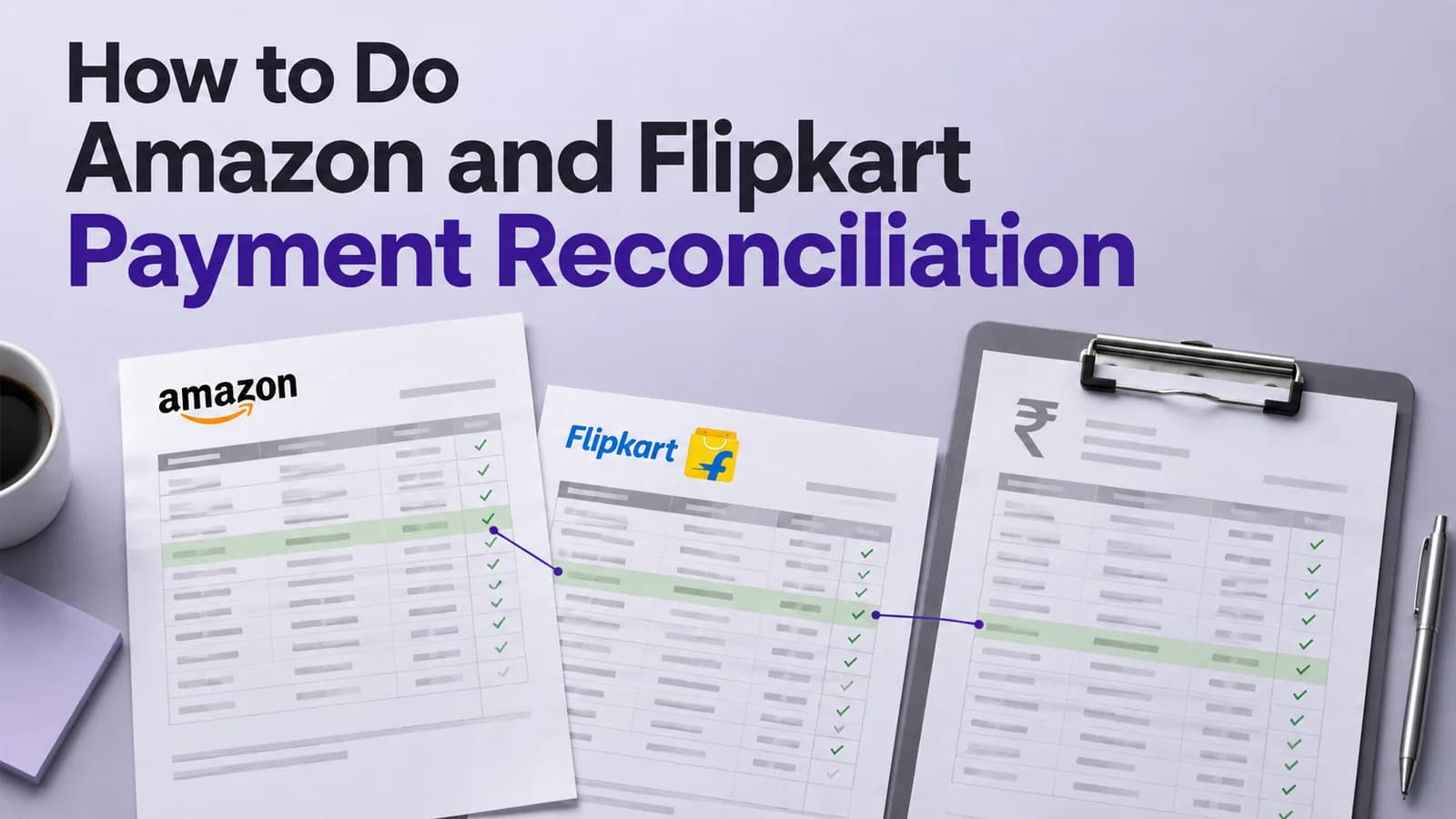
Amazon payment reconciliation means matching the Merchant Tax Report against the settlement report order by order, then matching the settlement total against the bank credit. The two Amazon reports cover the same orders on different clocks, so they are never supposed to agree exactly. Knowing which differences are normal is the whole job.
Flipkart works the same way with different file names and a faster payout cycle. This guide covers the reports to pull, the Excel build, the claims worth raising, and the tax lines that most published guides still state incorrectly.
Which reports you need from Amazon and Flipkart
Pull these for a full calendar month, not a payout cycle.
Platform | Report | What it is authoritative for |
|---|---|---|
Amazon | Merchant Tax Report, B2C and B2B | Invoice-level sales with GST detail. Revenue and tax |
Amazon | Date Range Settlement Report, flat file V2 | Every fee, refund and adjustment as a separate row. Cash |
Amazon | Returns and reimbursement reports | Whether a return came back and whether it was reimbursed |
Flipkart | Sales or order report from Seller Hub | Orders dispatched and delivered |
Flipkart | Settlement report from the Payments section | Order-level payout with each deduction line and the bank UTR |
Flipkart | Returns report | Return credits and reverse logistics charges |
Both | Advertising and non-order charge statements | Deductions with no order ID attached |
Download discipline matters more than it sounds. Amazon keeps archived custom reports available for a limited window, commonly around 45 days, and the Merchant Tax Report for a month becomes available in the first week of the following month. A seller who decides in October to reconcile April may find the source files are simply gone.
Extend the settlement download by roughly 15 days on each side of the month. Orders invoiced on 29 March settle in April, and without the overlap they show up as missing payouts when they are nothing of the sort.
Why the MTR and the settlement report never match
The Merchant Tax Report is the tax truth and the settlement report is the cash truth. They describe the same orders from two different positions in time.
An order invoiced on 28 March appears in the March MTR and in an April settlement. A return processed in April reverses a February sale. A promotional rebate is cut differently in the two files. Amazon also holds back a reserve against returns in transit, which is deducted from the account balance rather than from any particular order, and released in a later cycle.
So the correct expectation is not that the two totals agree. It is that every difference between them is explained by a timing effect, a return, a fee or a reserve, and that nothing is left unexplained. Reconciliations that chase a zero difference between MTR and settlement for a single month never close.
One structural detail decides if your Excel build works at all. A single order does not occupy one row in the settlement file. It writes several rows by amount type: a Principal line for revenue, a Commission line for the referral fee, a fulfilment fee line, shipping tax, and often promotion and tax withheld lines. Those have to be aggregated back to one order before any comparison happens.
How to do Amazon payment reconciliation step by step
Download the B2C and B2B Merchant Tax Reports for the calendar month.
Download the Date Range Settlement Report covering the month plus 15 days either side.
Download the returns, reimbursement and advertising reports for the same window.
Aggregate settlement rows by order ID so each order becomes a single net figure.
Join the aggregated settlement to the MTR on order ID.
Calculate expected commission as gross value multiplied by your category referral rate.
Flag any order where actual commission exceeds expected beyond your tolerance.
Compare the fulfilment and shipping fee against the weight slab you declared.
Isolate settlement rows with no order ID into a separate adjustments tab.
Classify every unmatched order as timing, return, fee, weight, tax, missing payout or adjustment.
Accept the GST TCS on the portal and tie it to the settlement TCS lines.
Post the reconciled month to your books and carry unresolved rows forward.
Step six requires your category rate table, which is the part sellers usually skip. Without an expected commission figure there is no baseline, and fee variance becomes invisible. Load the referral rates for your categories once and reuse them every month.
How to build the Amazon reconciliation in Excel
Four tabs and two formulas cover it.
Keep tab one as the MTR, tab two as the raw settlement, tab three as the aggregated settlement, and tab four as the reconciliation. On tab three, run a pivot with order ID in rows and amount type in columns, summing the amount field. That single pivot converts the multi-row settlement into one line per order with commission, fulfilment fee and principal as separate columns.
On the reconciliation tab, list every order ID from the MTR, then pull the settlement figures with a lookup against tab three. Add a column for expected commission as gross value times the category rate, a variance column as actual minus expected, and a gap type column driven by nested conditions: no settlement match and order older than 30 days means missing payout, no match and newer means timing, variance above tolerance means fee variance.
Two habits keep it reliable. Convert order IDs to text on both sides before matching, since Excel silently reformats some IDs and breaks the lookup. And never delete unresolved rows at month end. Copy them into the next month’s file as an opening block, because an order that was a timing gap in March becomes a missing payout in May, and only a carried-forward file shows that.
How to do Flipkart payment reconciliation
Flipkart releases payments on a faster cycle than Amazon, so the timing gaps are smaller but the file volume is higher.
Download the settlement report from the Payments section of Flipkart Seller Hub for the month.
Download the sales or order report and the returns report for the same period.
Match settlement rows to orders on the Flipkart order ID.
Use the UTR number in the settlement file to tie each payout batch to a bank credit.
Compare commission charged against the category rate applicable to that price band.
Check that commission was reversed on returned orders while reverse shipping was charged correctly.
Separate non-order charges such as advertising, storage and penalties into their own ledger.
Age any delivered order that has not appeared in a settlement file after 15 days.
The UTR is the useful field that Amazon does not give you as cleanly. It lets you tie a settlement batch directly to a bank credit without matching on amount, which removes an entire class of error from the bank reconciliation.
Returns are where Flipkart reconciliations leak. When an order comes back, commission should be reversed while a return shipping fee is legitimately charged. Verify both halves. A return where the commission was never reversed is a claim, and it is one of the more common ones we find.
Amazon and Flipkart deductions compared
Deduction | Amazon | Flipkart |
|---|---|---|
Sales commission | Referral fee, category-wise | Commission, category and price band wise |
Fixed charge | Closing fee | Fixed fee |
Logistics | Fulfilment fee, weight and zone based | Shipping fee, weight and zone based |
Storage | Monthly and long-term storage | Warehousing fee under the fulfilment programme |
Returns | Return shipping, plus reimbursement where applicable | Reverse shipping, with commission reversal |
Advertising | Sponsored ads, deducted without order ID | Ads, deducted without order ID |
Held funds | Reserve against returns in transit | Settlement held until the cycle completes |
Neither platform bills these as one deduction. That is why the aggregation step comes before the comparison step in both processes.
TCS and TDS on marketplace settlements
Two taxes come out of the same settlement and neither is a fee. A large number of published reconciliation guides still state the GST TCS rate as 1%. It has been 0.5% since 10 July 2024.
GST TCS | Income-tax TDS | |
|---|---|---|
Current rate | 0.5% of net taxable supplies, being 0.25% CGST plus 0.25% SGST intra-state, or 0.5% IGST inter-state | 0.1% of the gross sale amount |
Authority | Section 52(1), CGST Act, rate notified by Notification No. 15/2024-Central Tax dated 10 July 2024 | Section 393(1), Table Sl. No. 8(v), Income-tax Act, 2025, which replaced Section 194-O of the 1961 Act from 1 April 2026 |
Platform’s filing | GSTR-8 by the 10th of the following month | Quarterly TDS statement, now Form 140 for resident non-salary payments |
Where you claim it | Accept under “TDS and TCS Credit Received” on the GST portal, then set off in GSTR-3B | Form 26AS and the Annual Information Statement, set off against income tax |
If your reconciliation is built on a 1% TCS assumption, every order will show a tax variance and the real variances will be buried under false ones. Check the rate your template uses before anything else.
Net value for TCS means supplies made through the operator in the month, reduced by supplies returned in the same month. Returns processed in a later month do not reduce the earlier month’s TCS, so the TCS line and the settlement report drift apart in high-return categories. That drift is expected and should be recorded as such rather than investigated every cycle.
How to raise a claim and what evidence wins
Claims succeed on specificity. A ticket saying the payout looks short gets closed. A ticket naming the order ID, the expected figure, the charged figure and the basis for the expectation gets paid.
For a fee variance, cite the order ID, the gross value, the category referral or commission rate, the expected amount and the amount charged. For a weight variance, cite the declared weight, the slab it should fall in, the slab charged and the packaged dimensions. For a missing payout, cite the order ID, the delivery date and the settlement periods you have checked.
Timing is the constraint nobody plans for. Both platforms limit how far back a claim can be raised, and those windows are shorter than the tax deadlines you are working to. Monthly reconciliation exists partly so that claims are raised while they are still admissible.
How far back can you reconcile
Three separate clocks run, and the shortest one governs.
The platform’s claim window is usually the shortest and varies by issue type and account. Source data is next: archived reports on Amazon are available for a limited period, so files not downloaded are effectively gone. Then the tax deadlines. Input tax credit for a financial year cannot be claimed after 30 November following that year under Section 16(4) of the CGST Act, and a credit note reducing output tax liability has to be declared by the same date under Section 34(2).
Beyond all of these sits a hard stop. Under Notification No. 28/2023-Central Tax dated 31 July 2023, enforced on the portal from the July 2025 tax period, a GST return cannot be filed more than three years after its due date. A reconciliation that finds a reporting error in a period that old has nowhere to put the correction.
The practical answer is that reconciliation is worth doing for the current financial year and the one before it. Anything older is an accounting cleanup rather than a recovery exercise, and should be scoped as such.
Broader method, gap classification and tolerance thresholds are set out in our guide to the payment reconciliation process, and the GST filings that depend on this file are covered in GST returns for marketplace sellers. Where the reconciled file then feeds year-end positions, the wider ecommerce tax compliance picture matters too.
Need this built once and run every month? Talk to Ashish’s team at Complylocal Consultants about marketplace settlement reconciliation.