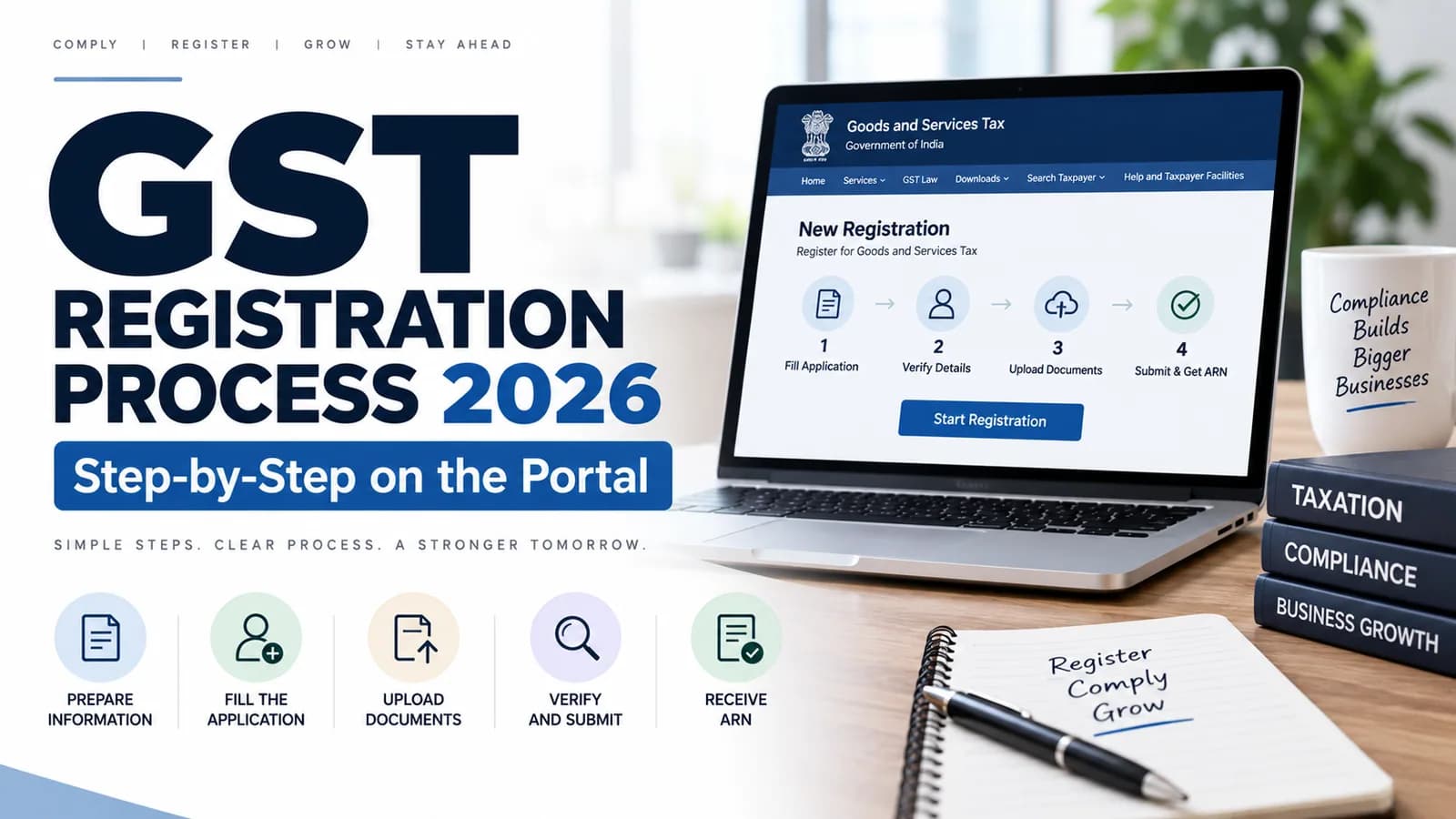
The GST registration process runs in two parts on the GST portal. Part A captures your PAN, mobile and email and returns a Temporary Reference Number. Part B carries the business details and documents and returns an Application Reference Number. Approval follows in seven working days under Rule 9, or three on the Rule 14A route.
Key facts on the GST registration process
Item | Position as on 31 August 2026 |
|---|---|
Application form | FORM GST REG-01, filed under Rule 8 of the CGST Rules, 2017 |
Acknowledgement | FORM GST REG-02 with the ARN |
Query notice and reply | FORM GST REG-03, replied to in FORM GST REG-04 |
Rejection order | FORM GST REG-05 |
Registration certificate | FORM GST REG-06, downloaded from the portal |
Standard timeline | Seven working days from submission, under Rule 9(1) |
Fast route | Three working days under Rule 9A, if you opt into Rule 14A |
Government fee | Nil |
Deadline to apply | Thirty days from becoming liable, under Section 25(1) |
GST registration process step by step
The full sequence from a blank screen to a live GSTIN is below. Steps one to four are Part A, steps five to ten are Part B.
Open the GST portal and choose Services, Registration, New Registration.
Select your taxpayer type, state and district, and enter the legal name exactly as it appears on the PAN.
Enter PAN, mobile number and email address, then validate both one-time passwords.
Note the Temporary Reference Number the portal issues; Part B must be completed within fifteen days.
Log back in with the TRN and open the saved application to begin Part B.
Complete the business details, promoter and partner details, and authorised signatory tabs.
Declare the principal place of business and upload its address proof, then add any additional places.
Enter goods and services details using HSN or SAC codes, and add bank details if available.
Complete Aadhaar authentication for the primary authorised signatory and one promoter or partner.
Verify and submit with DSC or EVC, then record the ARN shown on the confirmation screen.
Part B tab by tab, and where applications stall
Part B has a row of tabs across the top, and the portal will not let you submit until every one shows a green tick. Three of them account for most of the trouble.
Tab | What it wants | Where it goes wrong |
|---|---|---|
Business Details | Trade name, constitution, date of commencement, reason for registration | Date of liability entered later than the actual crossing date |
Promoters / Partners | Details and photograph of up to ten promoters | A director left out, or a photograph missing |
Authorised Signatory | Person who will sign returns, with an authorisation letter | Signatory’s PAN not linked to the Aadhaar being used |
Principal Place of Business | Full address, nature of possession, address proof | Address typed differently from the electricity bill |
Additional Places | Every warehouse or branch in the same state | Warehouses left undeclared to save time |
Goods and Services | Up to five HSN or SAC codes | Codes that do not match what will actually be invoiced |
State Specific Information | Professional tax and state licence numbers where applicable | Left blank when the state requires it |
Verification | Declaration, place, and signing method | EVC attempted by a company, which must use a DSC |
The address tab is where most rework happens. What each type of premises needs is set out in our checklist of documents required for GST registration.
Aadhaar authentication and biometric verification
Aadhaar authentication decides which timeline your application runs on. Complete it successfully and the file moves on the seven-working-day track. Skip it or fail it and the application goes for physical verification with a thirty-day window.
Authentication links are sent to the mobile number and email registered against the Aadhaar of the primary authorised signatory and one promoter or partner. The mobile number on the Aadhaar record must be live, because the OTP goes there and not to the number entered in Part A.
Some applicants are additionally called for biometric authentication at a GST Suvidha Kendra. According to CBIC, biometric-based Aadhaar authentication under Rule 8(4A) was first notified by Notification No. 27/2022-Central Tax dated 26 December 2022 and extended across the country by Notification No. 13/2024-Central Tax dated 10 July 2024. If you receive that link, book the appointment quickly, because the application waits until the visit is done.
The three-day route and whether to take it
Since 1 November 2025 there is a faster option. Rule 14A, inserted by Notification No. 18/2025-Central Tax dated 31 October 2025, lets an applicant whose monthly output tax on supplies to registered persons stays at or below Rs 2.5 lakh get the GSTIN electronically in three working days under Rule 9A. Our guide to Rule 14A GST registration covers eligibility and the exit route in FORM GST REG-32.
The catch is that one PAN supports only one Rule 14A registration across the country, so a seller planning registrations in several states loses more than the four days saved.
What happens after you submit
Submission generates an acknowledgement in FORM GST REG-02 carrying the ARN. The file then goes to the proper officer, who under Rule 9(1) has seven working days to approve it or raise a query.
Rule 9(5) provides that if the officer takes no action within the applicable period, the application is deemed approved and the portal issues the registration on its own. That safety valve is why a silent application is rarely a lost application.
Watch the file rather than the inbox. Each stage on the tracking screen carries its own deadline, decoded in our note on GST registration status.
How to reply to a REG-03 query
A query arrives as a notice in FORM GST REG-03 and the reply in FORM GST REG-04 is due within seven working days. Under Rule 9(3) the officer then has seven working days from your reply to approve or reject.
Log in and go to Services, Registration, Application for Filing Clarifications.
Enter the ARN and open the notice to see exactly which fields the officer has flagged.
Correct the flagged fields directly in the form and upload the specific documents asked for.
Answer every point raised, including the ones that look minor.
Submit with DSC or EVC and confirm the status has changed to Clarification filed.
Physical verification of premises
Rule 25 of the CGST Rules allows the officer to verify the business premises, and the verification report goes into FORM GST REG-30. Verification is common for shared addresses, addresses already carrying several GSTINs, and applications where Aadhaar authentication did not complete.
A virtual office is a legitimate address for registration, and marketplace sellers use one in every state where stock sits. Choose a virtual place of business provider that can produce a signboard and handle an officer visit, because the verification will come.
Getting the certificate and what it shows
On approval, the GSTIN is issued and the certificate in FORM GST REG-06 becomes available under Services, User Services, View or Download Certificates. There is no printed certificate and nothing is posted to you.
Check three fields the moment you download it. The effective date of registration determines from when you must charge GST. The principal place of business must match the address you can actually defend. Every additional place you declared should be listed on the annexure, because an undeclared warehouse is a compliance problem later.
The first thirty days after registration
Approval is a start date, not a finish line. Three obligations begin immediately and each has caught out businesses that assumed the work was over.
Add bank account details under Rule 10A within thirty days of registration or before your first FORM GSTR-1, whichever is earlier.
Display the registration certificate at the principal place and every additional place, and show the GSTIN on the name board, as Rule 18 requires.
Start filing returns from the first tax period, including nil returns, because late fees run whether or not you had any sales.
Returns begin from the effective date of registration, not from your first invoice. Getting the first cycle right is what our GST return filing team handles for new registrants.
Why applications get rejected
Rejections cluster in a small number of places, and none of them are about eligibility. They are about whether the officer can connect the applicant to the address and to the identity on record.
[EXPERT INPUT NEEDED: Keshav - the three most frequent rejection grounds we saw this quarter, with the entity type, the exact defect, and the change we now make before submission.]
Want the application filed and defended end to end, including any REG-03 reply? Talk to Keshav’s team at Complylocal about GST registration services.